Open this in the pixkoz appGet the pixkoz app on Google PlayUse the pixkoz app
OpenGetOpen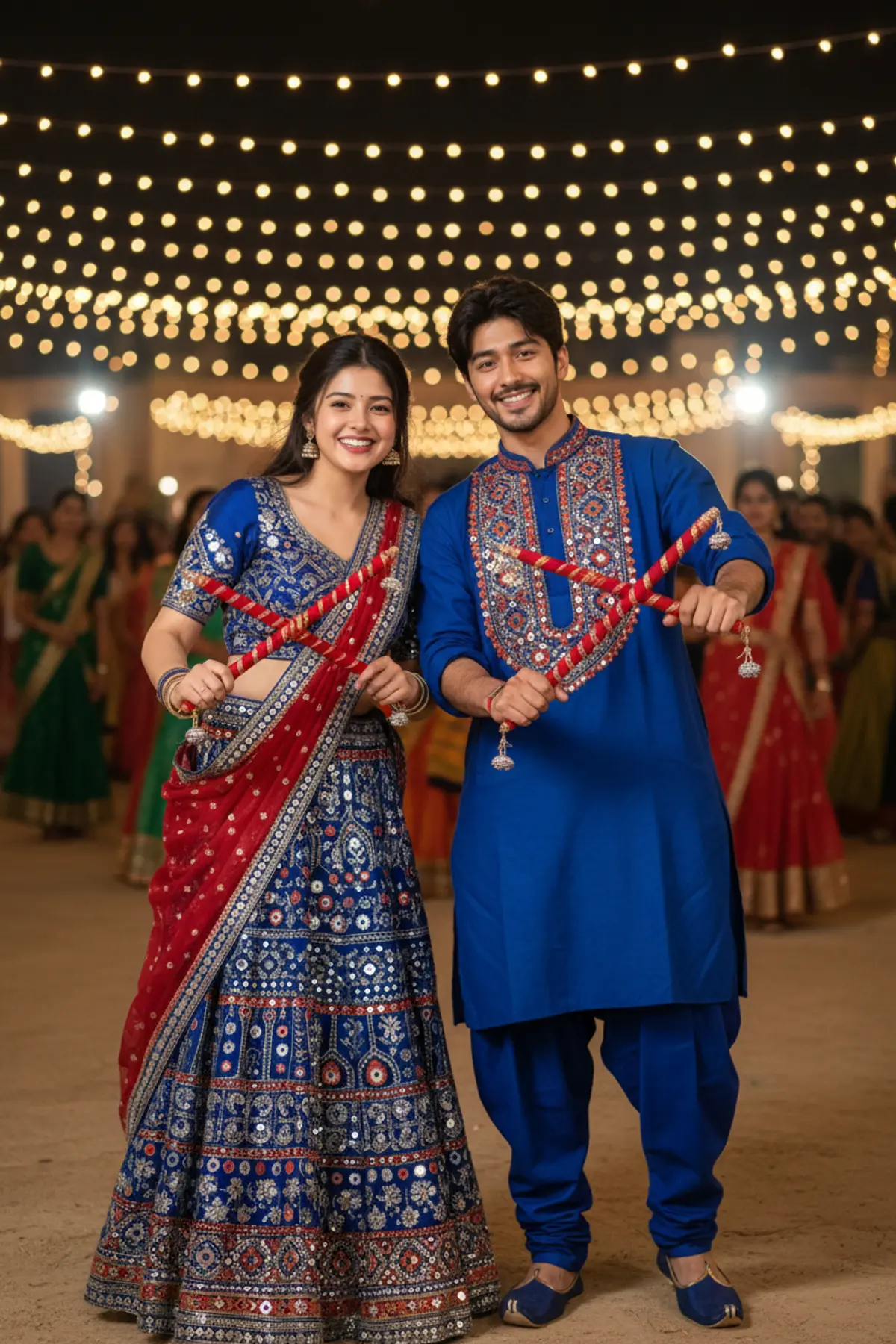
Blue Dandiya Duo – Navratri 2026 💙✨
Celebrate the electrifying spirit of Navratri 2026 with a vibrant couple portrait featuring royal blue Gujarati mirror-work outfits, colorful dandiya sticks, joyful smiles, and the magical glow of a traditional Garba night.
Copy this, then paste it with your photo in Gemini or ChatGPT
ChatGPT opens with your prompt filled in. In Gemini, paste it. Add your photo there and send.ChatGPT opens with your prompt filled in. In Gemini, long-press the box, tap Paste. Add your photo.
Prompt
Needs 1 photo
Create a realistic Dandiya-night portrait of the couple in the uploaded photo, dressed in matching royal-blue Gujarati outfits. It should feel like candid, high-quality festival documentary photography. Faces: both people must stay exactly who they are in the photo. For each one, keep the face shape, features and proportions, natural asymmetry, age and real skin tone, plus their own hair colour and build. Do not beautify, rebuild or swap either face. Pose: side by side, facing the camera, with a small, comfortable gap between them; she is on the left, he is on the right. Both reach their arms forward, holding dandiya sticks: his two sticks point upward and slightly apart, hers point downward and slightly inward to form a V. Big, genuine smiles, eyes on the lens, full of festival joy. Him: a deep royal-blue kediyu in heavy cotton. The chest and sleeve hems carry multicolour geometric mirror-work embroidery in a traditional style, with red, orange and silver mirrors. Matching blue churidar and blue leather mojaris. His hair stays as in his photo. Her: a matching chaniya choli in deep royal blue and silver. The skirt, heavy blue cotton, is embroidered all over with mirrors and thread in red, orange, gold and silver. The choli, in blue silk, has its front densely worked in silver thread. A red dupatta with a blue and gold border falls over her left shoulder. Long, open hair with natural volume. Dandiya sticks: both pairs are wrapped in red and gold silk thread; his have small silver bells hanging at the tips. Setting: an outdoor Dandiya ground at night. Behind them, at mid-distance, parallel rows of amber, red and white string lights, and a crowd of dancers in traditional clothes, softly blurred. Light and colour: warm light from the overhead strings surrounds both of them, and every little mirror on their outfits throws back a tiny warm sparkle. Colours: royal blue and red with amber and gold, plus warm skin; moderate contrast; lively but natural saturation. Camera: straight on from chest height, 50mm, framed from the knees up, moderately shallow depth of field. Show the small round mirrors catching light, the fine texture of the silk thread on the sticks, and real skin with pores (and fine facial hair on him). Avoid: changing either face; beautifying; CGI, 3D or cartoon looks; distorted hands or extra fingers. Format: vertical, 3:4.
How to use this prompt
In Gemini
- Tap Copy prompt, or Open in Gemini, which copies it for you.
- In Gemini, add your photo with the + button.
- Paste the prompt into the message box and send.
In ChatGPT
- Tap Open in ChatGPT: it opens with the prompt filled in (it is copied too, in case you need to paste it).
- Attach your photo with the + button.
- Send, and wait for your picture.
Gemini se kaise banaye: photo upload karo, prompt paste karo, send dabao.
Questions people ask
Is this prompt free?
Yes. Copy it and use it in Gemini, ChatGPT or another AI photo app as often as you like. You don't need a pixkoz account to copy it.
Will it work on my photo?
It works best with a clear, front-facing photo in good light, with the face fully visible. AI results vary from one try to the next: if a detail is off, try again.
Gemini or ChatGPT: which is better for this?
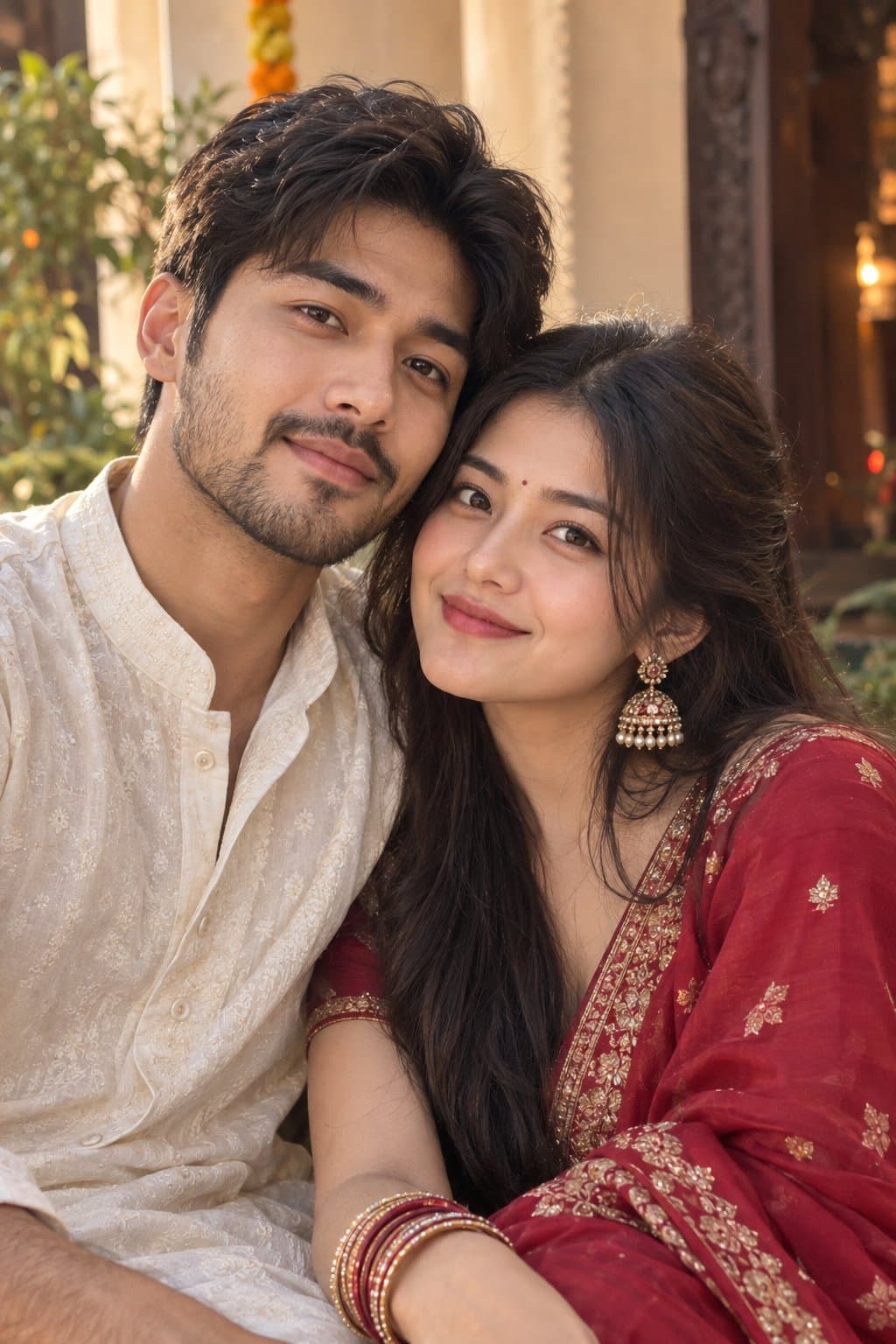
Both can use it. The examples on this page were made with Google: Nano Banana (Gemini 2.5 Flash Image), the model behind Gemini's images, so Gemini comes closest to them; ChatGPT gives its own take on the same prompt.
What happens to my photo?
When you use the prompt in Gemini or ChatGPT, your photo goes to that app, not to pixkoz, and that app's own privacy terms apply.





