Open this in the pixkoz appGet the pixkoz app on Google PlayUse the pixkoz app
OpenGetOpen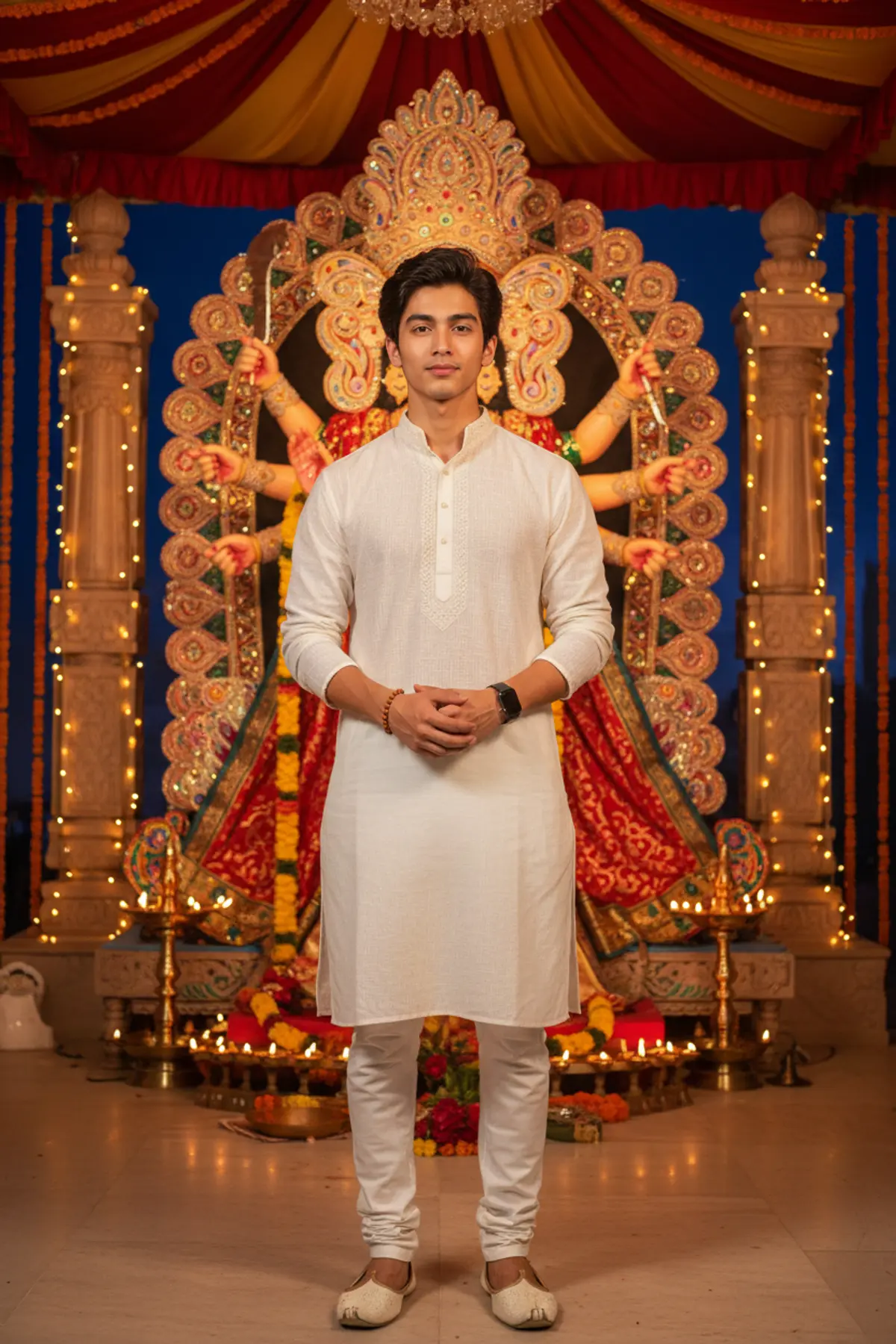
Navratri Nights – A Devotional Portrait
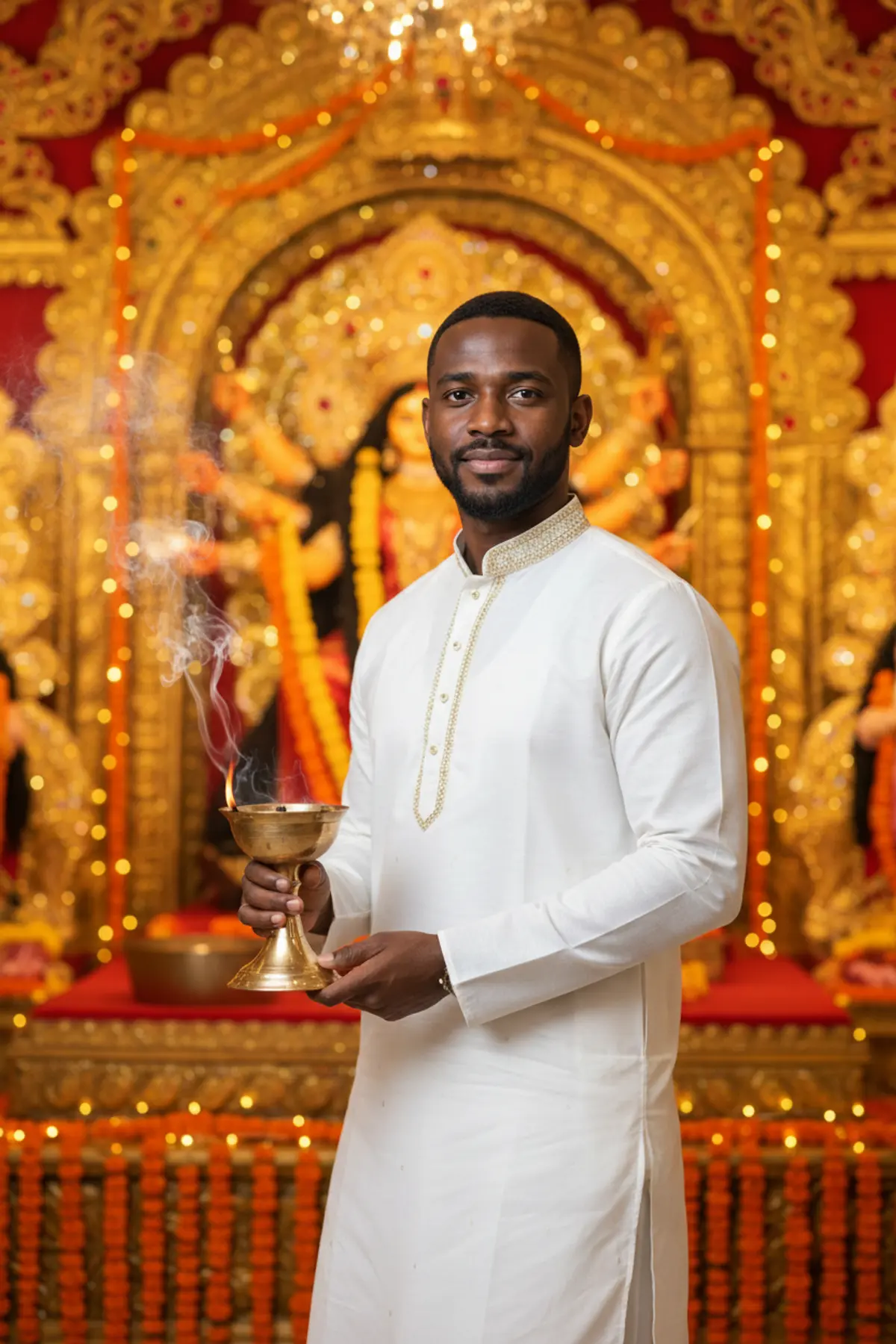
Celebrate the spiritual beauty of Navratri 2026 with a photorealistic portrait featuring traditional white ethnic wear, a magnificent Durga idol, glowing oil lamps, and the divine warmth of festive nights.
Copy this, then paste it with your photo in Gemini or ChatGPT
ChatGPT opens with your prompt filled in. In Gemini, paste it. Add your photo there and send.ChatGPT opens with your prompt filled in. In Gemini, long-press the box, tap Paste. Add your photo.
Prompt
Needs 1 photo
Create a night-time Navratri portrait of the man in the uploaded photo, standing in quiet devotion in front of a large, richly decorated Durga idol. It should feel like a high-end cinematic photograph, fully realistic. His face: he must be clearly the same man as in the photo. Keep his face shape, features and proportions, natural asymmetry, age and real skin tone exactly as they are, along with his own hair colour and build. No beautifying, rebuilding or swapping of the face. Pose: he stands in the middle of the frame, square to the camera, looking into the lens. His expression is calm and steady, full of reverence. Shoulders relaxed, back straight; his hands are loosely joined in front of him at waist height. Clothing: a white cotton kurta, hand-embroidered in fine cream thread at the collar, down the placket and around the cuffs. The fabric is light and softly draped, with its weave visible up close. Slim white cotton pyjama below, and cream leather mojaris with a little gold embroidery at the toes. A single rudraksha mala wrapped around his right wrist and plain silver studs in his ears. His hair is neat, parted at the side as in his photo, with natural texture. Behind him: a tall, ornate Durga idol fills the background, wearing a detailed crown, heavy gold ornaments and deep red and gold garments. Garlands of marigold, tuberose and red roses hang on the idol, and a row of oil lamps at its base flickers upward. Warm amber string lights run down both sides of the idol, red and gold fabric canopies hang overhead, and the sky above is a deep indigo. Light: warm and golden, coming from the lamps and string lights and wrapping around his face and white kurta. The strongest warm glow lands on his right side, from the lamps at the idol. Gentle shadows sit under his chin and in the folds of the kurta. Camera: straight on from chest height, 50mm, framed from mid-shin up. Fairly shallow depth of field: he is in sharp focus, while the idol behind stays clearly readable and full of colour and detail, not melted into blur. Colour: warm white, ivory, amber, deep red and gold; moderate contrast; warm overall. Real skin with pores and fine facial hair. Avoid: any change to his face; beautified, plastic or waxy skin; CGI, 3D or cartoon looks; bent hands or extra fingers; oversaturation; artificial blur. Format: vertical, 3:4.
How to use this prompt
In Gemini
- Tap Copy prompt, or Open in Gemini, which copies it for you.
- In Gemini, add your photo with the + button.
- Paste the prompt into the message box and send.
In ChatGPT
- Tap Open in ChatGPT: it opens with the prompt filled in (it is copied too, in case you need to paste it).
- Attach your photo with the + button.
- Send, and wait for your picture.
Gemini se kaise banaye: photo upload karo, prompt paste karo, send dabao.
Questions people ask
Is this prompt free?
Yes. Copy it and use it in Gemini, ChatGPT or another AI photo app as often as you like. You don't need a pixkoz account to copy it.
Will it work on my photo?
It works best with a clear, front-facing photo in good light, with the face fully visible. AI results vary from one try to the next: if a detail is off, try again.
Gemini or ChatGPT: which is better for this?
Both can use it. The examples on this page were made with Google: Nano Banana (Gemini 2.5 Flash Image), the model behind Gemini's images, so Gemini comes closest to them; ChatGPT gives its own take on the same prompt.
What happens to my photo?
When you use the prompt in Gemini or ChatGPT, your photo goes to that app, not to pixkoz, and that app's own privacy terms apply.