Open this in the pixkoz appGet the pixkoz app on Google PlayUse the pixkoz app
OpenGetOpen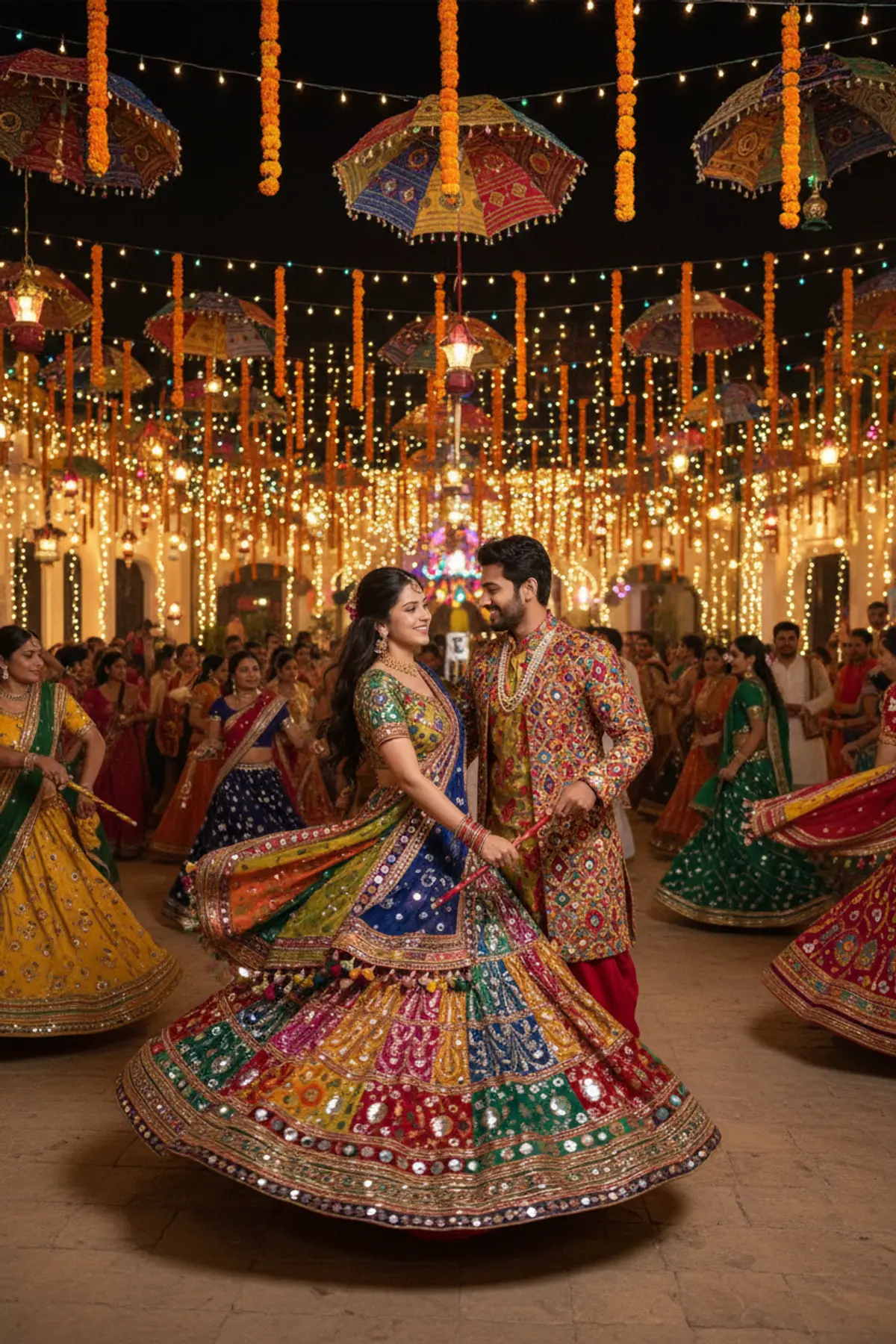
Colorful Navratri Garba Night
A beautifully dressed couple dances together under dazzling lights during an energetic and colorful Navratri Garba night.
Copy this, then paste it with your photo in Gemini or ChatGPT
ChatGPT opens with your prompt filled in. In Gemini, paste it. Add your photo there and send.ChatGPT opens with your prompt filled in. In Gemini, long-press the box, tap Paste. Add your photo.
Prompt
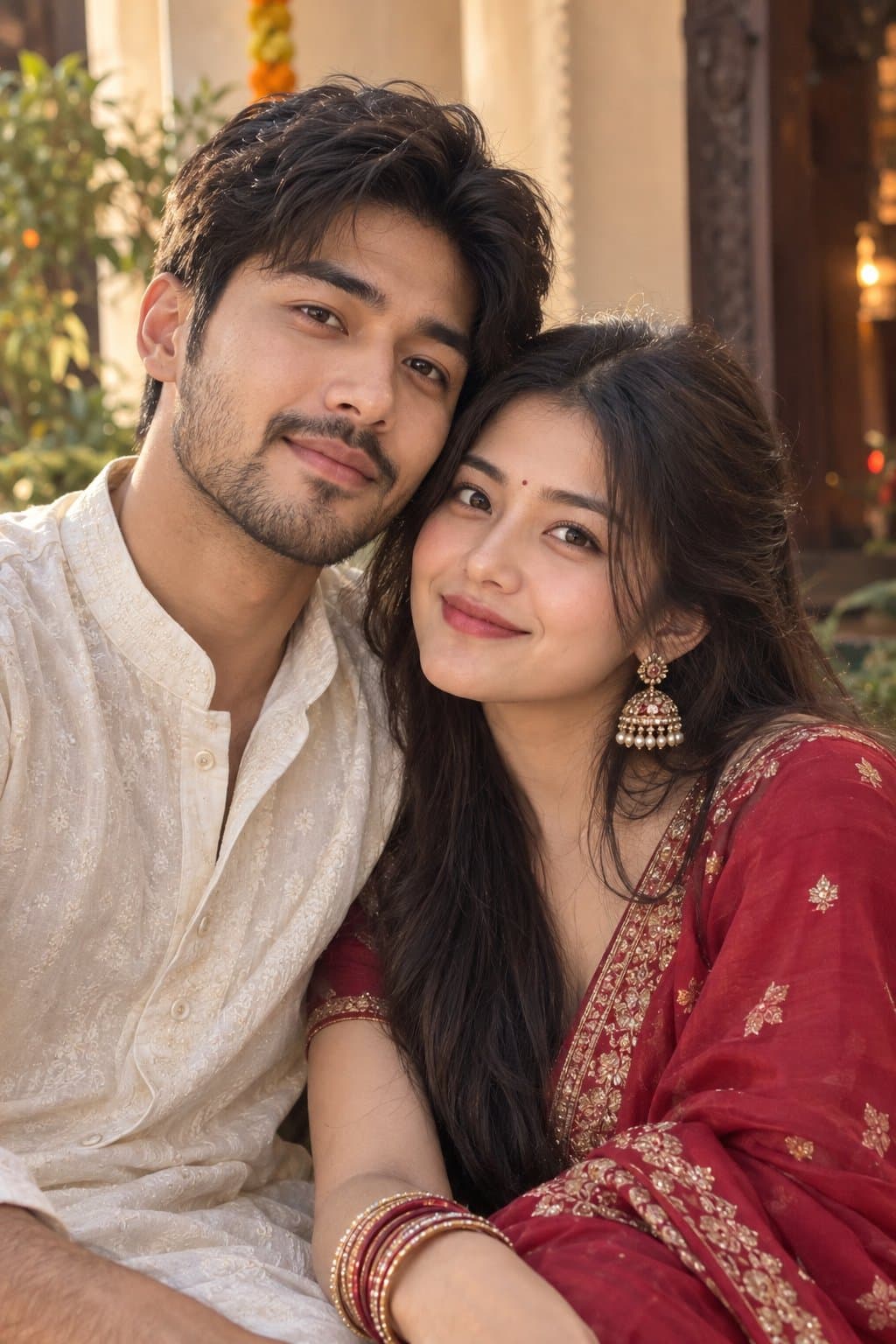
Needs 1 photo
Use the uploaded image as the ONLY and STRICT identity reference for Person 1. Preserve the exact recognizable facial identity and facial features from the uploaded image. Keep the exact face shape, forehead, eyebrows, eyes, nose, lips, cheeks, jawline, chin, ears, facial proportions, original skin colour/skin tone, natural complexion, natural skin texture, hairline and all distinctive facial characteristics exactly as they appear in the uploaded image. Do not change, beautify, reshape, smooth, lighten, darken, recolor, age, de-age, replace or reinterpret the face. Do not perform a face swap. Person 1 must remain unmistakably the same person from the uploaded image. Create a spectacular nighttime Gujarati Navratri Garba celebration featuring Person 1 and their romantic partner dancing together. Person 1's exact face, facial features and original skin colour must remain unchanged. Person 1 wears a luxurious multicolored Gujarati chaniya choli decorated with hundreds of tiny reflective mirrors, colorful embroidery, traditional Gujarati patterns and elegant tassels. The partner wears a coordinated embroidered Gujarati kediyu with colorful mirror work and traditional accessories. The couple dances together while holding traditional dandiya sticks. Thousands of colorful lights, decorative umbrellas, lanterns, marigold garlands and glowing diyas illuminate the venue. Hundreds of dancers create beautiful circular Garba formations around them. Energetic movement, joyful expressions, flowing dupatta, realistic motion blur, cinematic night photography, vibrant but natural colors, professional festival photography, photorealistic 8K. STRICT IDENTITY PRESERVATION — Person 1: The uploaded person's face is locked and must remain exactly the same recognizable person. Do not modify facial structure, facial features, skin colour, skin tone, complexion, age, ethnicity or identity. No face swap, no face replacement, no facial redesign, no beautification, no skin whitening, no skin darkening, no facial slimming, no eye enlargement, no nose modification, no lip modification, no jawline modification, no artificial skin smoothing and no identity blending. Preserve natural facial texture and realistic anatomy. The generated partner must have a completely separate, original face and must not resemble Person 1. Only the Garba clothing, dance, pose, environment, decorations, lighting, accessories and cinematic setting should be transformed according to the prompt.
How to use this prompt
In Gemini
- Tap Copy prompt, or Open in Gemini, which copies it for you.
- In Gemini, add your photo with the + button.
- Paste the prompt into the message box and send.
In ChatGPT
- Tap Open in ChatGPT: it opens with the prompt filled in (it is copied too, in case you need to paste it).
- Attach your photo with the + button.
- Send, and wait for your picture.
Gemini se kaise banaye: photo upload karo, prompt paste karo, send dabao.
Questions people ask
Is this prompt free?
Yes. Copy it and use it in Gemini, ChatGPT or another AI photo app as often as you like. You don't need a pixkoz account to copy it.
Will it work on my photo?
It works best with a clear, front-facing photo in good light, with the face fully visible. AI results vary from one try to the next: if a detail is off, try again.
Gemini or ChatGPT: which is better for this?
Both can use it. The examples on this page were made with Google: Nano Banana (Gemini 2.5 Flash Image), the model behind Gemini's images, so Gemini comes closest to them; ChatGPT gives its own take on the same prompt.
What happens to my photo?
When you use the prompt in Gemini or ChatGPT, your photo goes to that app, not to pixkoz, and that app's own privacy terms apply.





