Open this in the pixkoz appGet the pixkoz app on Google PlayUse the pixkoz app
OpenGetOpen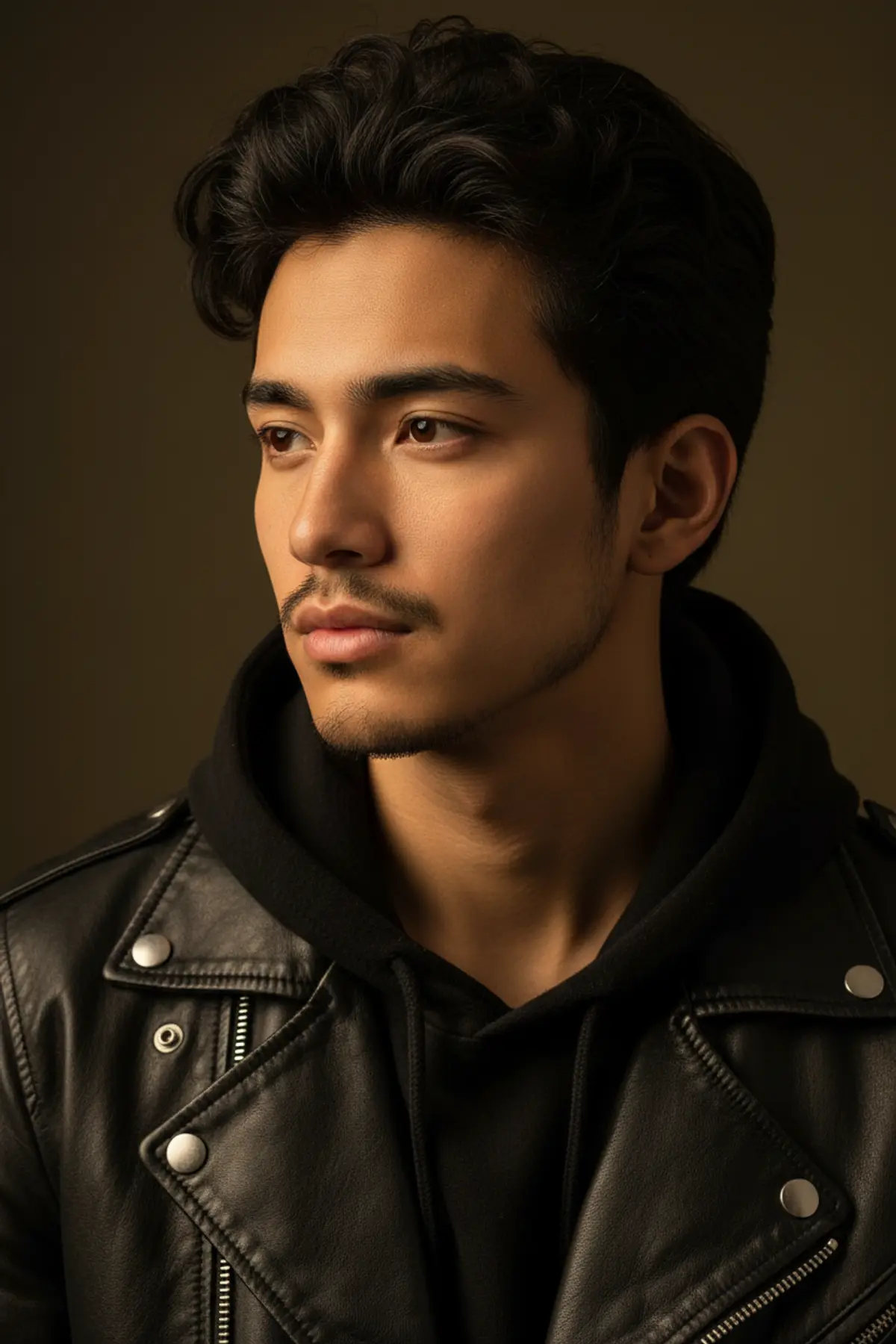
Cinematic Black Leather Portrait
A highly photorealistic cinematic portrait preserving the subject’s recognizable identity while showcasing black leather layering, dramatic Rembrandt lighting, warm sepia tones, and premium 85mm editorial aesthetics.
Copy this, then paste it with your photo in Gemini or ChatGPT
ChatGPT opens with your prompt filled in. In Gemini, paste it. Add your photo there and send.ChatGPT opens with your prompt filled in. In Gemini, long-press the box, tap Paste. Add your photo.
Prompt
Needs 1 photo
Create a highly photorealistic, cinematic portrait of a young South Asian man (early 20s). FACIAL IDENTITY LOCK — CRITICAL: Use the uploaded reference image as the ONLY and EXCLUSIVE facial identity reference for the subject. The uploaded photo is the definitive source for his facial identity and must be followed with maximum possible identity fidelity. Preserve the exact recognizable facial identity shown in the uploaded reference, including his exact face shape, facial proportions, forehead, hairline, eyebrows, eyes, eye shape and spacing, nose shape and proportions, lips and mouth shape, cheekbones, jawline, chin, ears, skin tone, natural facial asymmetry, beard and mustache characteristics, apparent age, and all distinctive facial features. The final subject must unmistakably be the same individual shown in the uploaded reference image, not a similar-looking person or a newly generated generic male face. Do not use the reference merely as loose inspiration. Directly preserve its facial identity. Do not replace, reinterpret, redesign, blend, genericize, beautify, idealize, reshape, slim, enlarge, reduce, symmetrize, age, de-age, or otherwise alter the subject's facial identity or facial structure. Do not transfer facial features from another generated face. Do not create an artificial model face. Preserve authentic natural skin texture, visible pores, subtle imperfections, realistic facial details, and natural asymmetry from the reference. Identity consistency must remain intact while adapting the reference face to the requested expression, gaze, lighting, camera perspective, and styling. If any conflict occurs between generating a new facial appearance and preserving the uploaded identity, always prioritize the uploaded facial identity. Facial Features (Face Lock): He has thick, wavy, textured black hair styled upwards with a slightly messy, voluminous flow. His face is oval-shaped with a strong, defined jawline. He has thick, dark, naturally arched eyebrows. His eyes are dark brown, almond-shaped, with a calm, thoughtful, and slightly serious gaze, looking off-camera to the left. He has a straight, prominent nose. His lips are full and naturally pink. He has a light, well-groomed mustache and a short, neat, dark beard that contours his jawline. Skin: Warm, smooth, medium-tan South Asian skin tone with realistic skin texture (visible pores, slight natural highlights). Clothing: He is wearing a matte black leather jacket over a black cotton hoodie (silver metal zipper visible on the jacket). Lighting & Environment: Dramatic, warm golden-hour studio lighting illuminating the left side of his face and hair, creating a strong Rembrandt lighting effect with soft, deep shadows on the right side of his face. The background is a solid, dark, warm olive-brown/sepia tone, completely out of focus. Camera Details: Shot on an 85mm portrait lens, shallow depth of field (f/1.8), sharp focus on the eyes and face, 8k resolution, hyper-detailed, professional photography, masterpiece. Vertical aspect ratio (9:16). FINAL IDENTITY VERIFICATION: Before rendering, verify that the face matches the uploaded reference in facial structure, proportions, eyes, eyebrows, nose, lips, cheeks, jawline, chin, ears, skin tone, natural asymmetry, beard/mustache characteristics, apparent age, and distinctive facial traits. Every visible facial characteristic must remain recognizably consistent with the uploaded reference. If a generated feature conflicts with the uploaded reference, prioritize the uploaded reference. DO NOT CHANGE ANY OTHER DETAIL OF THE ORIGINAL PROMPT.
How to use this prompt
In Gemini
- Tap Copy prompt, or Open in Gemini, which copies it for you.
- In Gemini, add your photo with the + button.
- Paste the prompt into the message box and send.
In ChatGPT
- Tap Open in ChatGPT: it opens with the prompt filled in (it is copied too, in case you need to paste it).
- Attach your photo with the + button.
- Send, and wait for your picture.
Gemini se kaise banaye: photo upload karo, prompt paste karo, send dabao.
Questions people ask
Is this prompt free?
Yes. Copy it and use it in Gemini, ChatGPT or another AI photo app as often as you like. You don't need a pixkoz account to copy it.
Will it work on my photo?
It works best with a clear, front-facing photo in good light, with the face fully visible. AI results vary from one try to the next: if a detail is off, try again.
Gemini or ChatGPT: which is better for this?
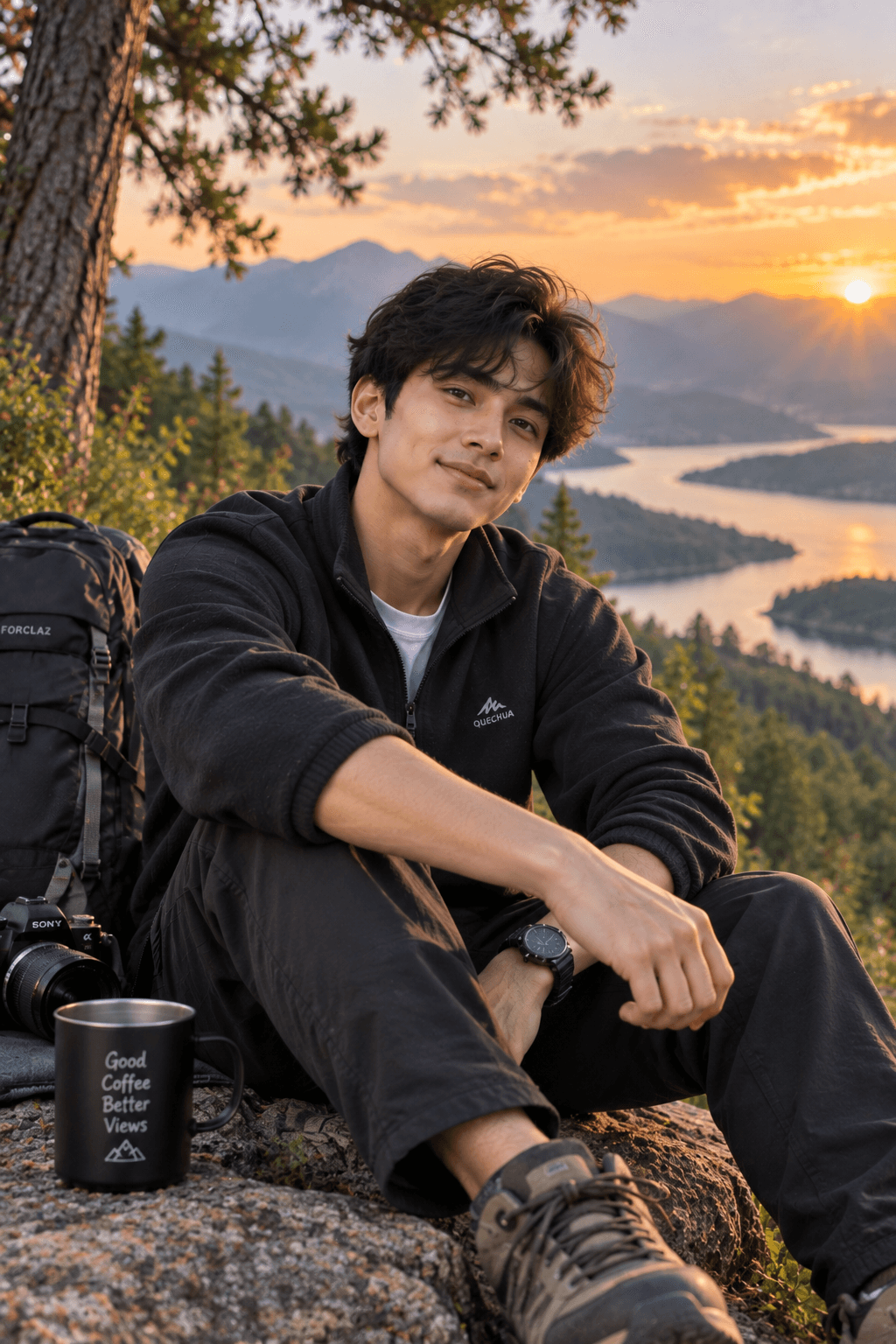
Both can use it. The examples on this page were made with Google: Nano Banana (Gemini 2.5 Flash Image), the model behind Gemini's images, so Gemini comes closest to them; ChatGPT gives its own take on the same prompt.
What happens to my photo?
When you use the prompt in Gemini or ChatGPT, your photo goes to that app, not to pixkoz, and that app's own privacy terms apply.