Open this in the pixkoz appGet the pixkoz app on Google PlayUse the pixkoz app
OpenGetOpen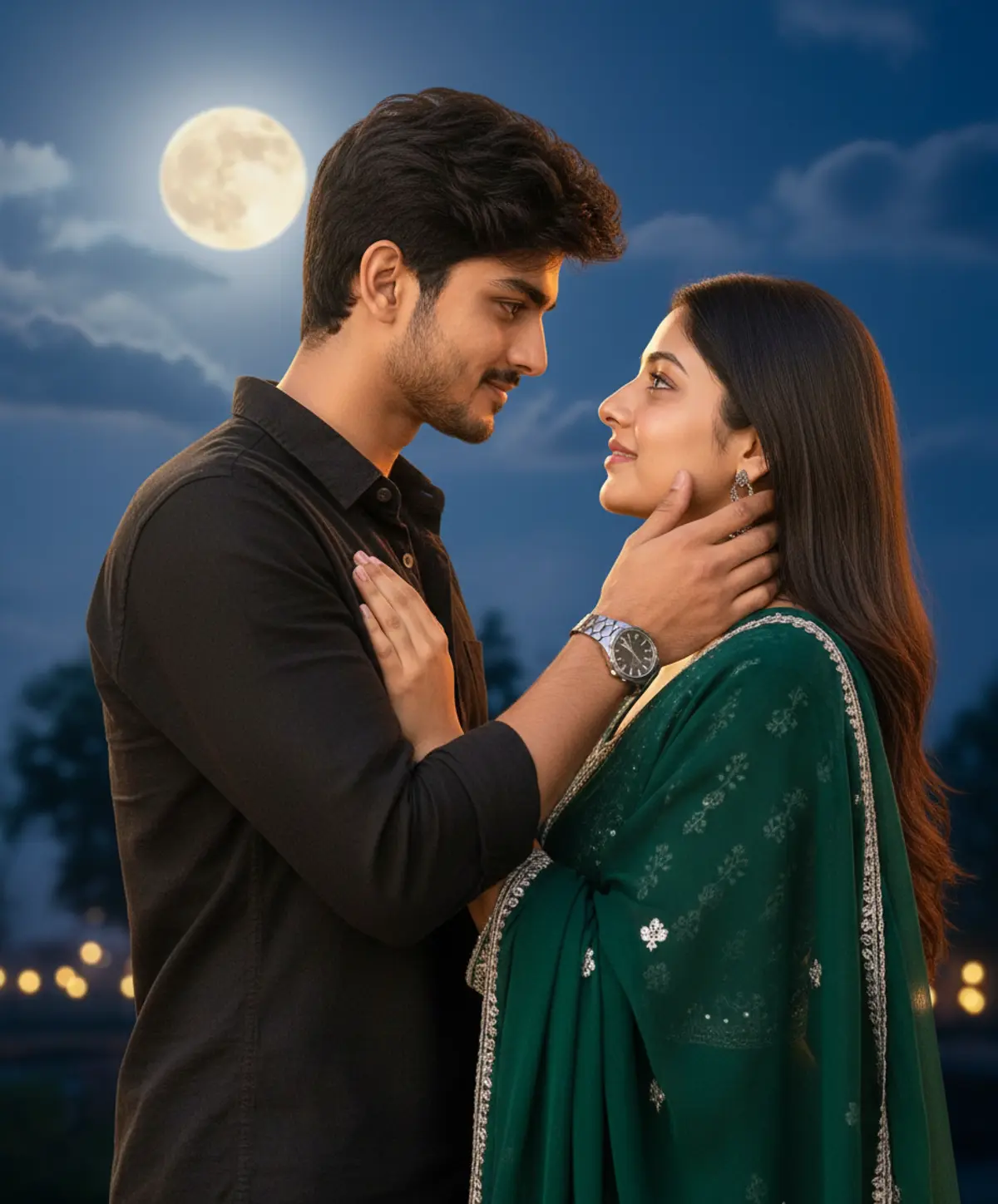
Cinematic Bollywood Couple Portrait
A romantic cinematic couple portrait preserving both subjects’ recognizable identities while capturing an intimate moonlit gaze, elegant traditional fashion, glowing bokeh, and dreamy Bollywood-style nighttime atmosphere.
Copy this, then paste it with your photo in Gemini or ChatGPT
ChatGPT opens with your prompt filled in. In Gemini, paste it. Add your photo there and send.ChatGPT opens with your prompt filled in. In Gemini, long-press the box, tap Paste. Add your photo.
Prompt
Needs 1 photo
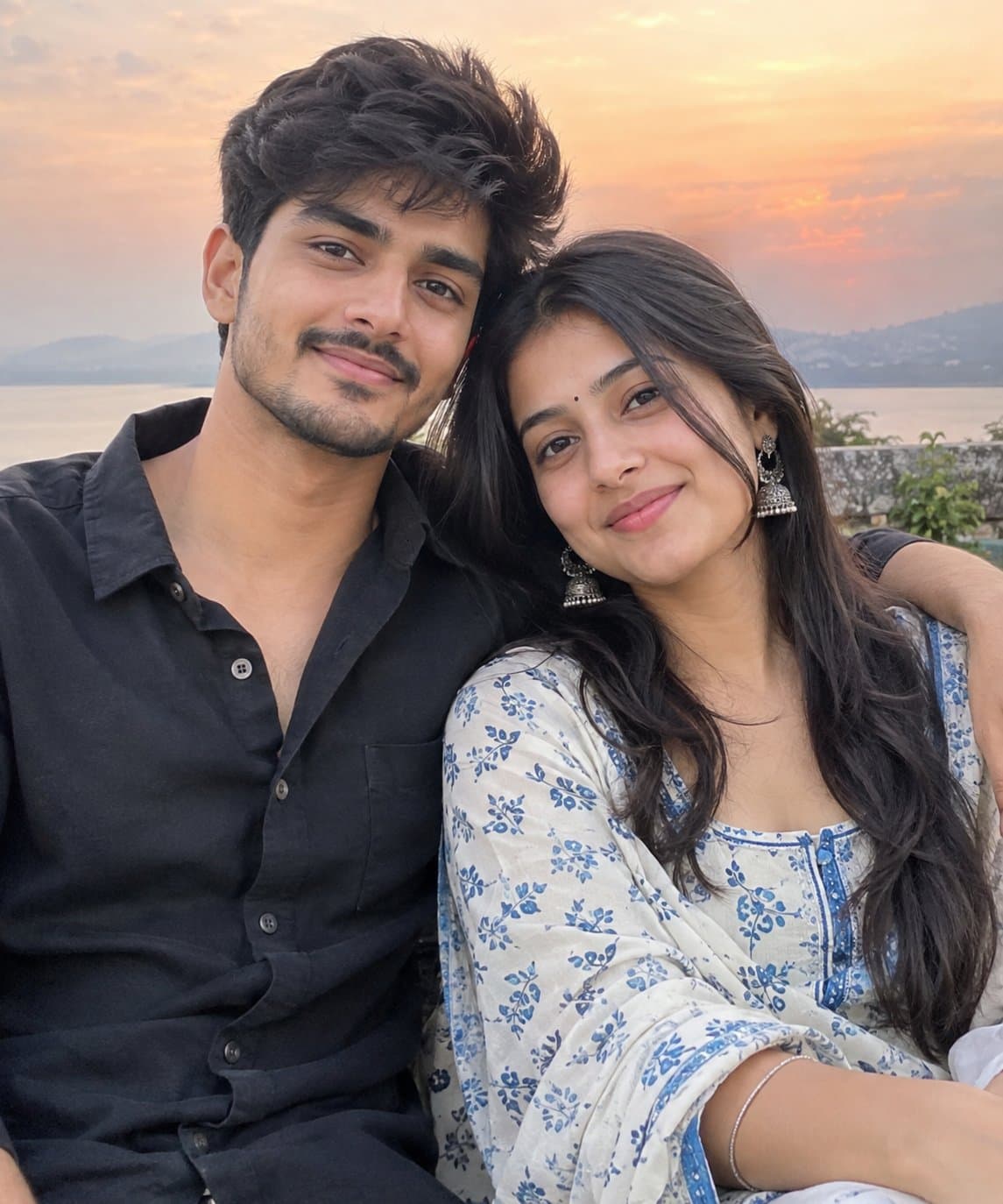
STRICT FACIAL IDENTITY LOCK — HIGHEST PRIORITY Use the uploaded reference image as the ONLY and EXCLUSIVE facial identity reference for both the man and the woman. The uploaded reference image is the definitive source for the facial identities of both subjects. Preserve both subjects as the same recognizable individuals shown in the uploaded reference image with maximum possible identity fidelity. For both subjects, preserve precisely: Exact face shape and overall facial proportions Forehead and natural hairline Eyebrow shape, thickness, placement, and natural asymmetry Eye shape, size, spacing, and natural eyelid structure Nose shape, bridge, tip, and proportions Lips, mouth shape, and natural lip proportions Cheekbones and cheek structure Jawline and chin shape Ears and their natural proportions Natural skin tone, complexion, and authentic skin texture Natural facial asymmetry and small real-world imperfections Distinctive facial characteristics and recognizable details Authentic apparent age and overall facial structure Individual hairstyle and natural hairline relationship to the face Do not generate generic, similar-looking, or substituted faces for either subject. Do not replace, reinterpret, blend, beautify, reshape, slim, redesign, smooth, symmetrize, age, de-age, or otherwise modify either person’s facial identity. Do not merge the two identities or transfer facial characteristics from one subject to the other. Preserve each person’s unique facial structure and recognizable characteristics independently. Do not apply artificial beauty-filter effects or excessive facial retouching. Preserve authentic pores, natural texture, subtle asymmetry, and real-world facial characteristics. The uploaded reference image controls ONLY the facial identities of the two subjects. Their pose, expressions, hand placement, clothing, jewelry, accessories, environment, moon, sky, lighting, camera angle, framing, composition, color grading, photography style, and every other visual element must follow the original prompt exactly as written below. Identity verification requirement: Before finalizing the image, ensure that both generated faces remain clearly recognizable as the same two individuals from the uploaded reference image, with consistent facial structures, feature relationships, skin tones, natural asymmetries, hairstyles, and distinctive characteristics. If there is any conflict between creating a new face and preserving the uploaded facial identities, always prioritize the uploaded facial identities. DO NOT CHANGE ANY OTHER DETAIL OF THE ORIGINAL PROMPT. Create an ultra-realistic, high-resolution cinematic romantic couple portrait based closely on the uploaded reference image. Preserve both subjects’ exact facial identities, facial structures, facial proportions, natural skin tones, eyes, eyebrows, noses, lips, jawlines, hairstyles, hair textures, and recognizable appearances. Strict identity lock — do not alter, beautify, reshape, slim, age, or redesign either face. Keep the same intimate pose and composition: the couple standing close together outdoors at night, the man gently holding the woman’s cheek with one hand while looking deeply into her eyes, and the woman gazing back at him with a soft affectionate smile. Preserve the natural hand placement, expressions, camera angle, framing, and realistic body proportions. Keep the woman’s deep emerald-green traditional outfit with intricate silver/white embroidered detailing and matching earrings, and the man’s black textured button-up shirt, along with his metallic wristwatch. Preserve all clothing textures, embroidery, folds, buttons, jewelry, and accessories realistically. Set the scene beneath a large glowing full moon in a deep blue night sky with soft clouds, subtle tree silhouettes, warm distant bokeh lights, and gentle atmospheric depth. Use realistic moonlight and soft warm rim lighting around the subjects’ hair and faces. Create a romantic Bollywood-style cinematic mood, natural skin texture, detailed individual hair strands, realistic eyes, authentic fabric textures, shallow depth of field, soft background bokeh, DSLR photography, cinematic composition, premium color grading, subtle filmic contrast, photorealistic lighting, highly detailed, 4K quality. Negative prompt: cartoon, anime, CGI look, plastic skin, face distortion, altered identity, extra fingers, malformed hands, duplicate limbs, unnatural anatomy, oversmoothing, excessive makeup, unrealistic lighting, low resolution, blur, noise, artifacts.
How to use this prompt
In Gemini
- Tap Copy prompt, or Open in Gemini, which copies it for you.
- In Gemini, add your photo with the + button.
- Paste the prompt into the message box and send.
In ChatGPT
- Tap Open in ChatGPT: it opens with the prompt filled in (it is copied too, in case you need to paste it).
- Attach your photo with the + button.
- Send, and wait for your picture.
Gemini se kaise banaye: photo upload karo, prompt paste karo, send dabao.
Questions people ask
Is this prompt free?
Yes. Copy it and use it in Gemini, ChatGPT or another AI photo app as often as you like. You don't need a pixkoz account to copy it.
Will it work on my photo?
It works best with a clear, front-facing photo in good light, with the face fully visible. AI results vary from one try to the next: if a detail is off, try again.
Gemini or ChatGPT: which is better for this?
Both can use it. The examples on this page were made with Google: Nano Banana 2 (Gemini 3.1 Flash Image), the model behind Gemini's images, so Gemini comes closest to them; ChatGPT gives its own take on the same prompt.
What happens to my photo?
When you use the prompt in Gemini or ChatGPT, your photo goes to that app, not to pixkoz, and that app's own privacy terms apply.





