Open this in the pixkoz appGet the pixkoz app on Google PlayUse the pixkoz app
OpenGetOpen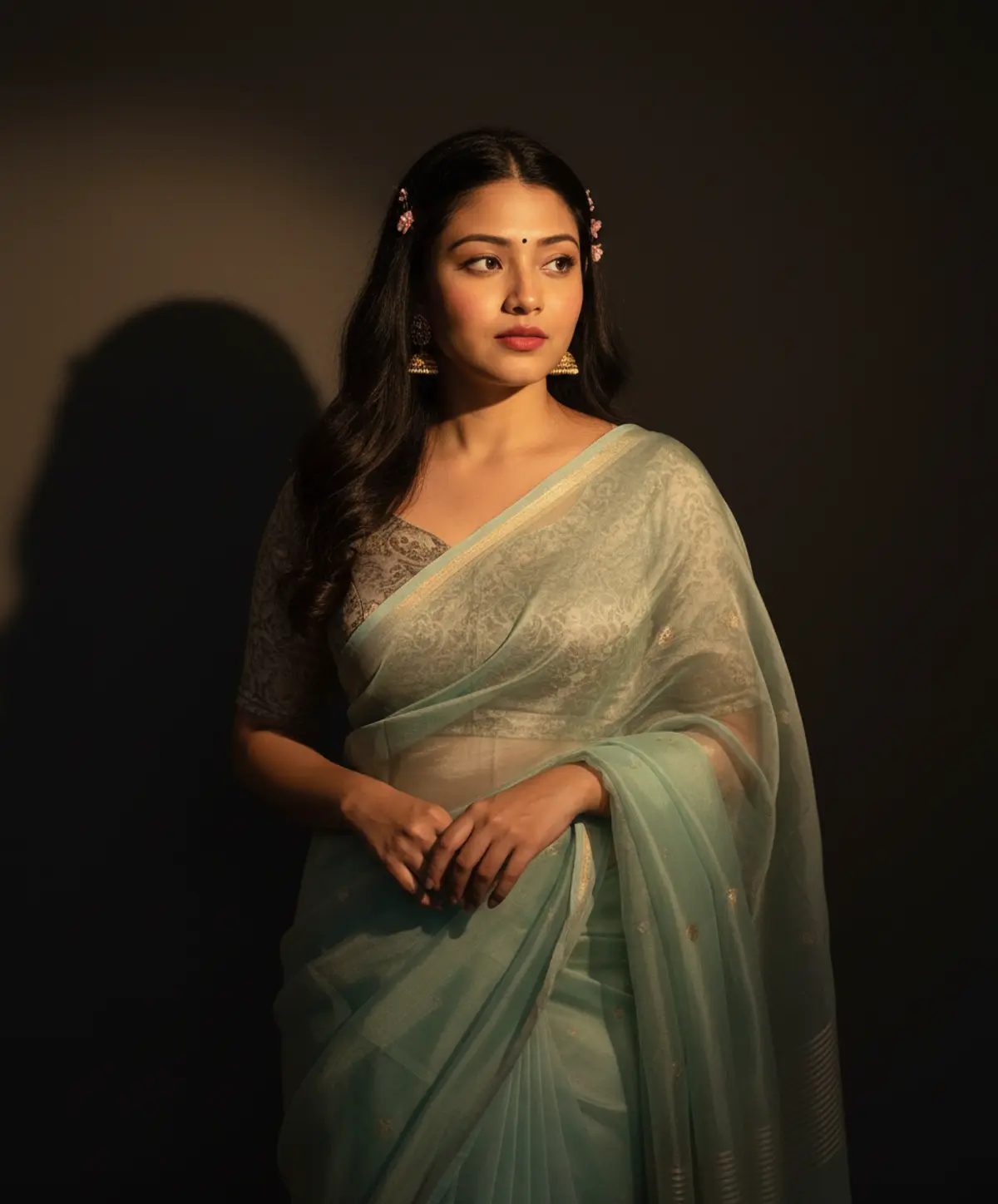
Cinematic Pastel Saree Portrait
A refined South Asian fashion portrait preserving the woman’s recognizable identity while highlighting a delicate seafoam-blue organza saree, traditional gold jewelry, soft floral accents, dramatic directional light, and cinematic elegance.
Copy this, then paste it with your photo in Gemini or ChatGPT
ChatGPT opens with your prompt filled in. In Gemini, paste it. Add your photo there and send.ChatGPT opens with your prompt filled in. In Gemini, long-press the box, tap Paste. Add your photo.
Prompt
Needs 1 photo
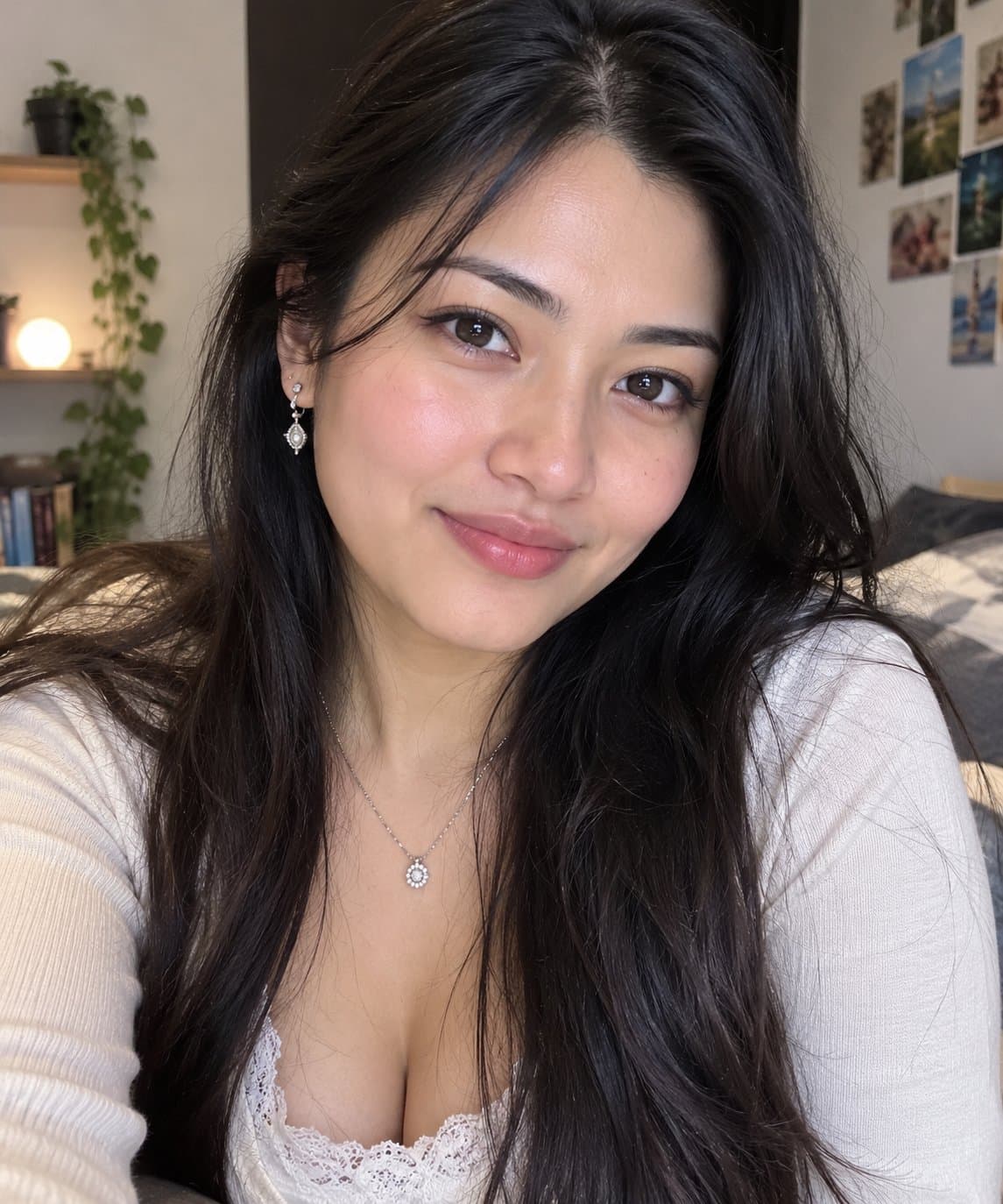
STRICT FACIAL IDENTITY LOCK — HIGHEST PRIORITY Use the uploaded photo as the ONLY and EXCLUSIVE facial identity reference for the woman. The uploaded photo is the definitive source for her recognizable facial identity. Preserve her exact recognizable face with maximum possible identity fidelity. Preserve precisely: Exact face shape and facial proportions Forehead and natural hairline Eyebrow shape, thickness, and placement Eye shape, size, spacing, and natural eyelid structure Nose shape, bridge, tip, and proportions Lips, mouth shape, and natural lip proportions Cheekbones and cheek structure Jawline and chin shape Ears and their natural proportions Natural skin tone and complexion Natural facial asymmetry and small real-world imperfections Distinctive facial characteristics and recognizable details Authentic apparent age and overall facial structure Do not generate a generic AI face or reinterpret the woman’s identity. Do not replace, blend, beautify, reshape, redesign, smooth, symmetrize, age, de-age, or otherwise modify her facial identity. Do not alter her natural facial proportions or distinctive characteristics. Preserve authentic skin texture and natural facial detail rather than applying artificial beauty-filter effects. The uploaded photo controls ONLY the woman’s facial identity. Her hairstyle, expression, bindi, lipstick, clothing, jewelry, pose, lighting, background, framing, composition, camera characteristics, color grading, and every other visual element must follow the original prompt exactly as written below. Identity verification requirement: Before finalizing the image, ensure the generated face remains clearly recognizable as the same woman from the uploaded photo, with consistent facial structure, feature relationships, natural asymmetry, skin tone, and distinctive characteristics. DO NOT CHANGE ANY OTHER DETAIL OF THE ORIGINAL PROMPT. A photorealistic vertical medium shot in exact 9:16 aspect ratio recreating the composition, framing, scale, and dramatic directional lighting of the reference image. A young South Asian woman is captured from the mid-thigh up standing against a dark wall with a soft cast shadow, strictly preserving the original 9:16 vertical proportions, natural headroom, framing, and subject-to-frame scale. Faithfully preserve her recognizable facial identity, soft oval face shape, fair glowing complexion, small dark forehead bindi, soft coral-red lipstick, expressive dark eyes looking thoughtfully off-camera, and long, dark wavy hair adorned with subtle pink floral hairpins and traditional gold jhumka earrings. She stands gracefully with her hands gathered softly in front near her waist. She wears a traditional ethnic ensemble featuring a grey-beige patterned short-sleeved blouse paired with a delicate, sheer pastel seafoam-blue organza saree with subtle zari bootis and a neat border; match the authentic, relaxed drape and natural translucent folds of the saree without making the silhouette overly tight. Warm, directional beam lighting illuminates one side of her face and torso while leaving the background in deep, soft shadow. Authentic skin texture with visible natural pores, sharp focus on the subject, shallow depth of field, warm cinematic color grading, 8K Ultra HD quality.
How to use this prompt
In Gemini
- Tap Copy prompt, or Open in Gemini, which copies it for you.
- In Gemini, add your photo with the + button.
- Paste the prompt into the message box and send.
In ChatGPT
- Tap Open in ChatGPT: it opens with the prompt filled in (it is copied too, in case you need to paste it).
- Attach your photo with the + button.
- Send, and wait for your picture.
Gemini se kaise banaye: photo upload karo, prompt paste karo, send dabao.
Questions people ask
Is this prompt free?
Yes. Copy it and use it in Gemini, ChatGPT or another AI photo app as often as you like. You don't need a pixkoz account to copy it.
Will it work on my photo?
It works best with a clear, front-facing photo in good light, with the face fully visible. AI results vary from one try to the next: if a detail is off, try again.
Gemini or ChatGPT: which is better for this?
Both can use it. The examples on this page were made with Google: Nano Banana (Gemini 2.5 Flash Image), the model behind Gemini's images, so Gemini comes closest to them; ChatGPT gives its own take on the same prompt.
What happens to my photo?
When you use the prompt in Gemini or ChatGPT, your photo goes to that app, not to pixkoz, and that app's own privacy terms apply.