Open this in the pixkoz appGet the pixkoz app on Google PlayUse the pixkoz app
OpenGetOpen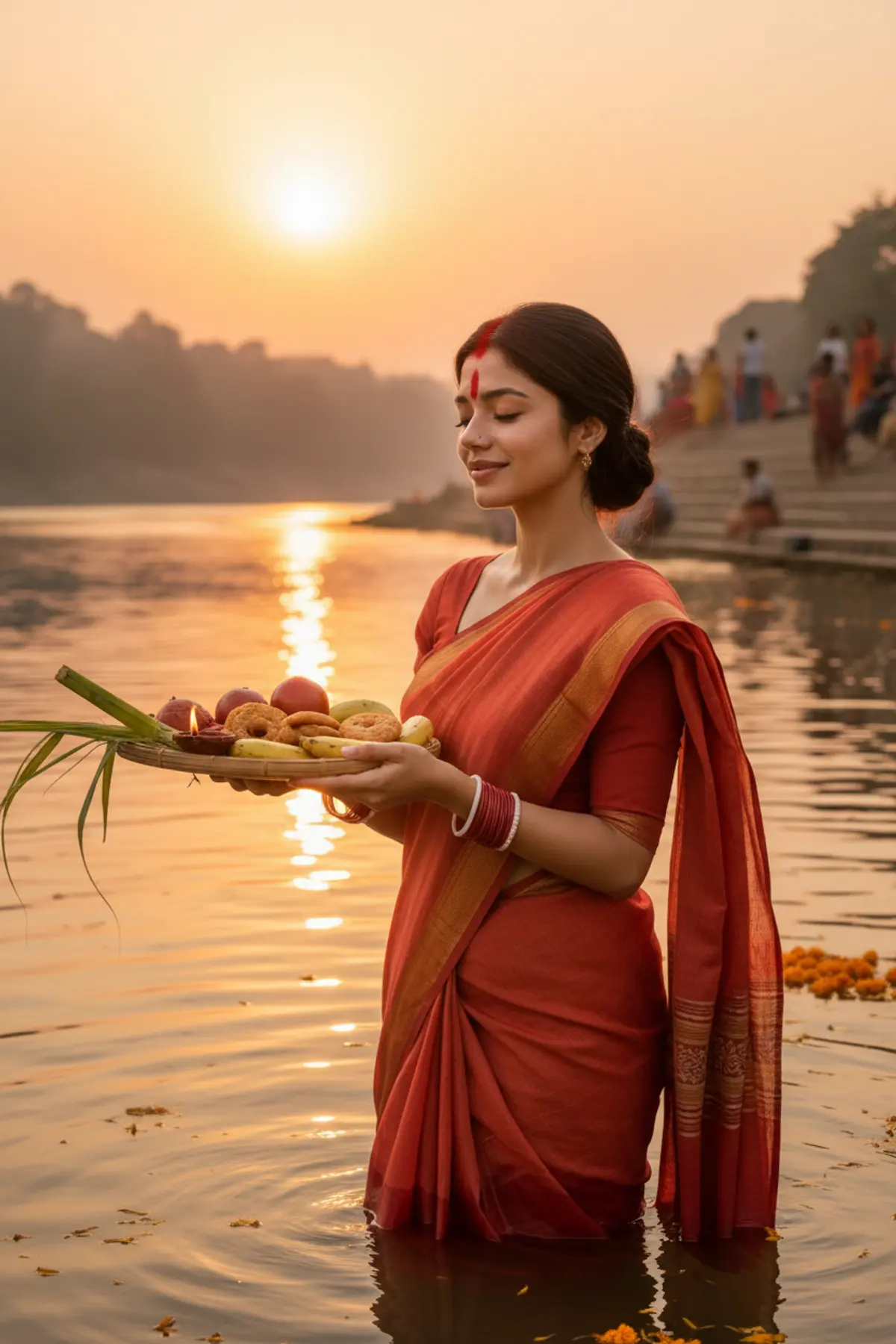
Chhath Puja Sunset Arghya River Portrait
Offer the evening arghya to the setting sun, standing in the river in a red-orange saree with diyas floating around you.
Copy this, then paste it with your photo in Gemini or ChatGPT
ChatGPT opens with your prompt filled in. In Gemini, paste it. Add your photo there and send.ChatGPT opens with your prompt filled in. In Gemini, long-press the box, tap Paste. Add your photo.
Prompt
Needs 1 photo
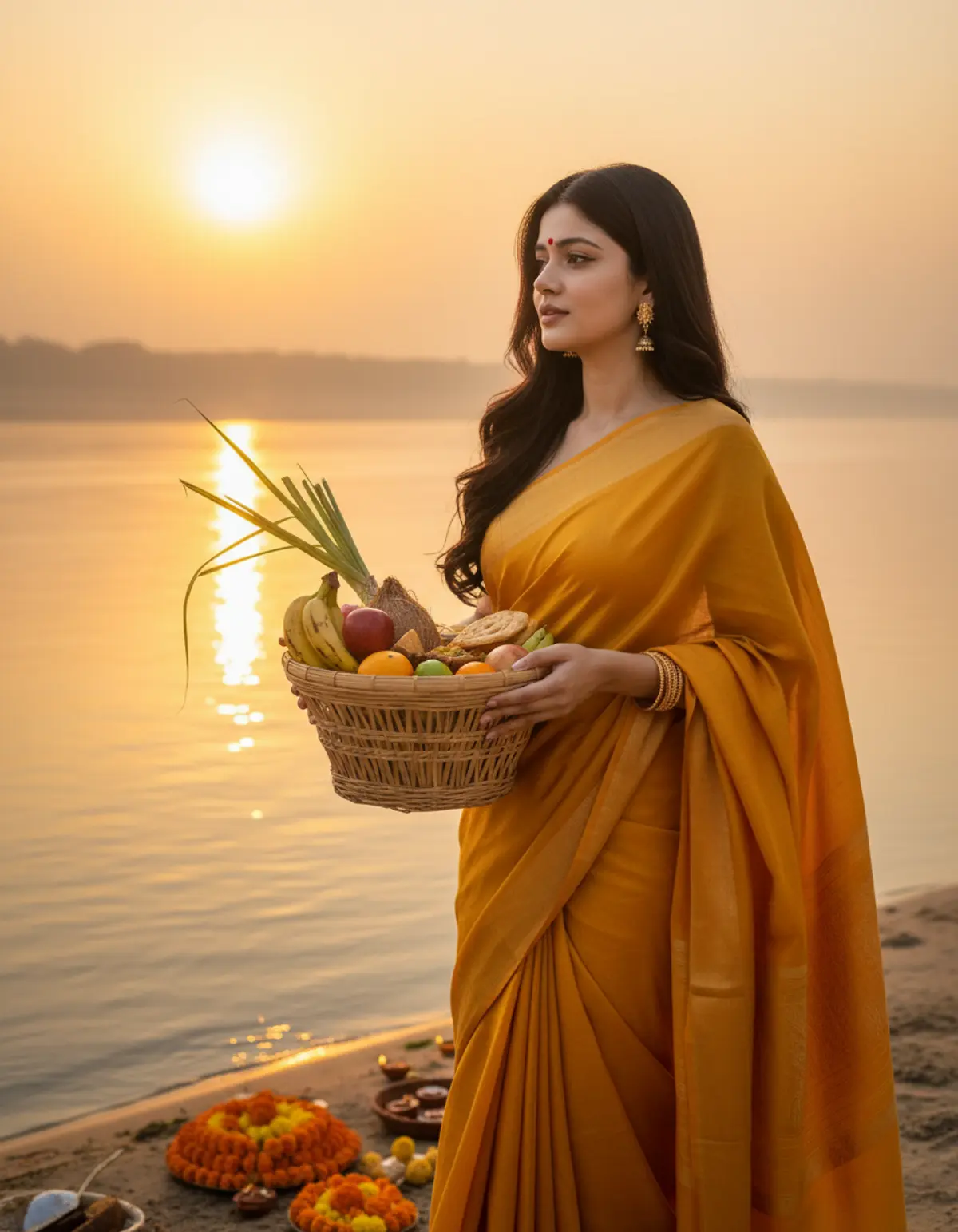
Use the woman in the uploaded photo as the only subject. Face rules: keep her face, facial features, skin tone and hair colour exactly as in the photo. Do not beautify, slim or change her age. Natural skin texture with no heavy retouching. Look: a realistic Chhath Puja evening portrait. She wears a traditional red-orange cotton saree with a golden border, worn in the classic style, with sindoor running from her forehead along the parting, red and white bangles and a small nose pin. Hair tied back neatly. Pose: standing waist-deep in calm river water, facing the setting sun in a three-quarter view toward the camera, holding up a bamboo soop filled with fruits, sugarcane pieces, thekua and a small lit diya in both hands as an offering, eyes softly closed or looking toward the sun in prayer, a peaceful smile. Setting: a wide river at sunset with stone ghat steps and other devotees softly blurred in the background. Small lit diyas and marigold petals float on the water around her. Light and camera: warm orange and golden sunset light from the side and behind, glowing rim light on her hair and saree, golden reflections on the water, medium shot from the waist up, eye-level, shallow depth of field. Mood: devotional, peaceful and grateful. Photorealistic, no text, no watermark.
How to use this prompt
In Gemini
- Tap Copy prompt, or Open in Gemini, which copies it for you.
- In Gemini, add your photo with the + button.
- Paste the prompt into the message box and send.
In ChatGPT
- Tap Open in ChatGPT: it opens with the prompt filled in (it is copied too, in case you need to paste it).
- Attach your photo with the + button.
- Send, and wait for your picture.
Gemini se kaise banaye: photo upload karo, prompt paste karo, send dabao.
Questions people ask
Is this prompt free?
Yes. Copy it and use it in Gemini, ChatGPT or another AI photo app as often as you like. You don't need a pixkoz account to copy it.
Will it work on my photo?
It works best with a clear, front-facing photo in good light, with the face fully visible. AI results vary from one try to the next: if a detail is off, try again.
Gemini or ChatGPT: which is better for this?
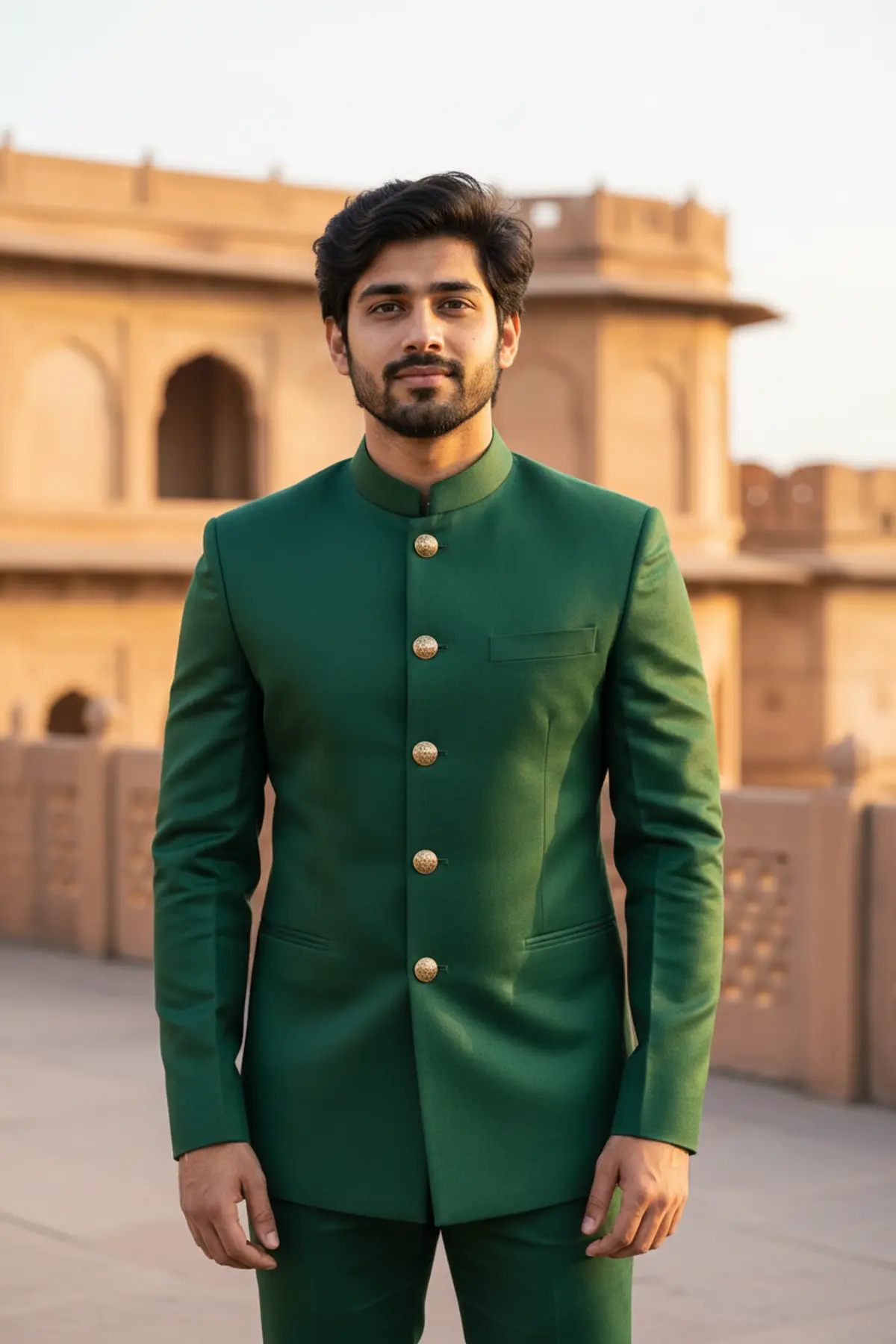
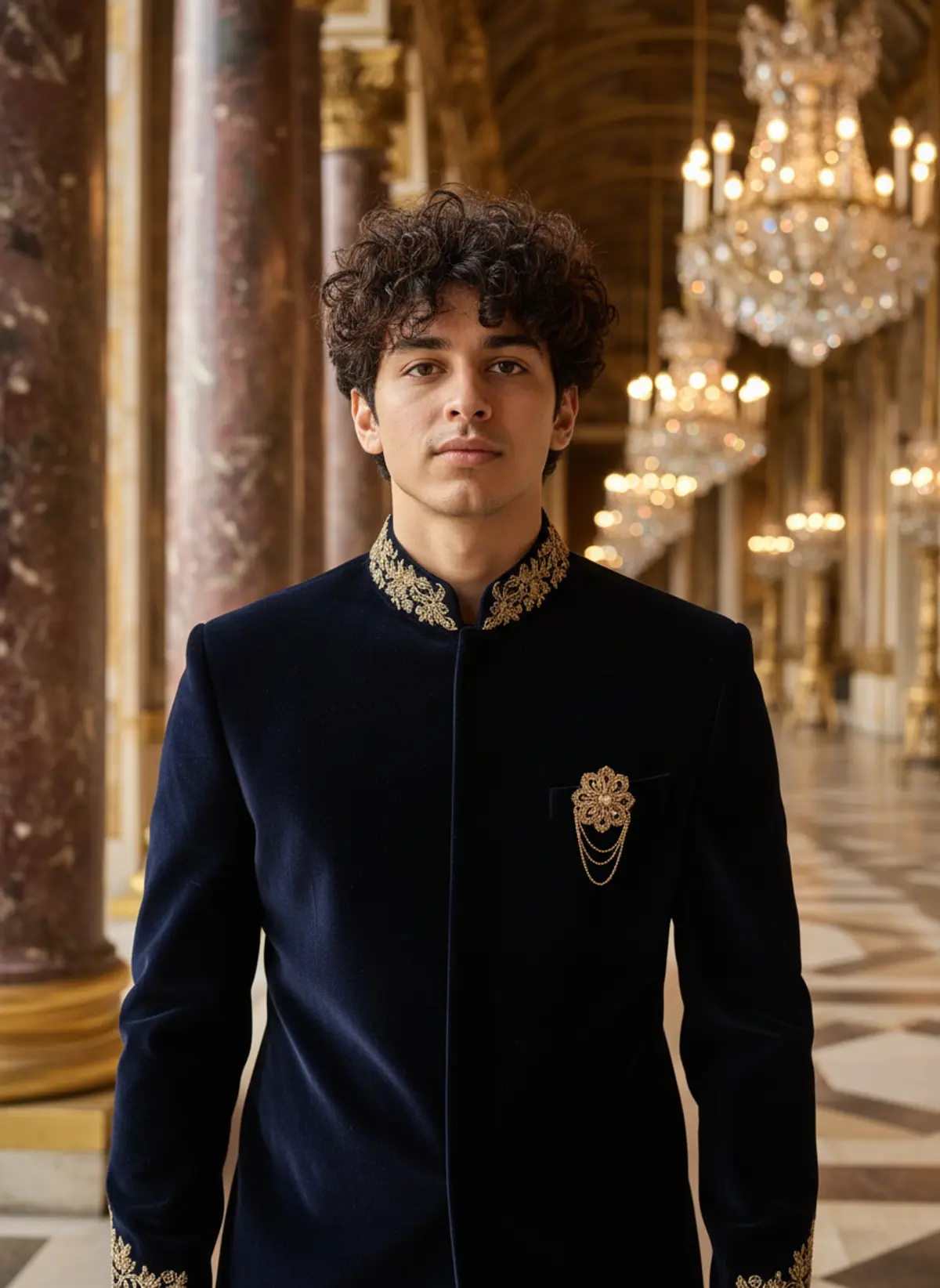
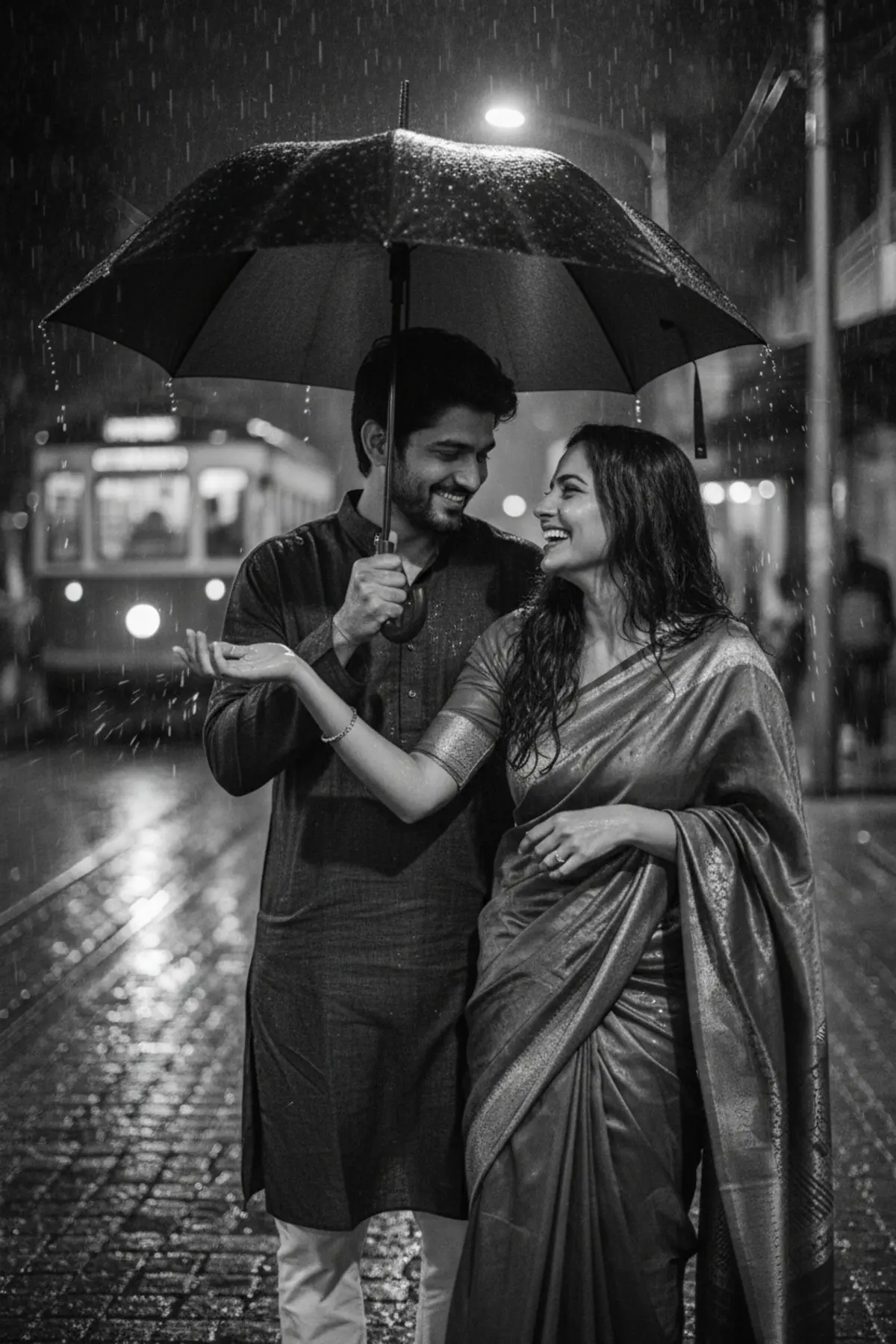
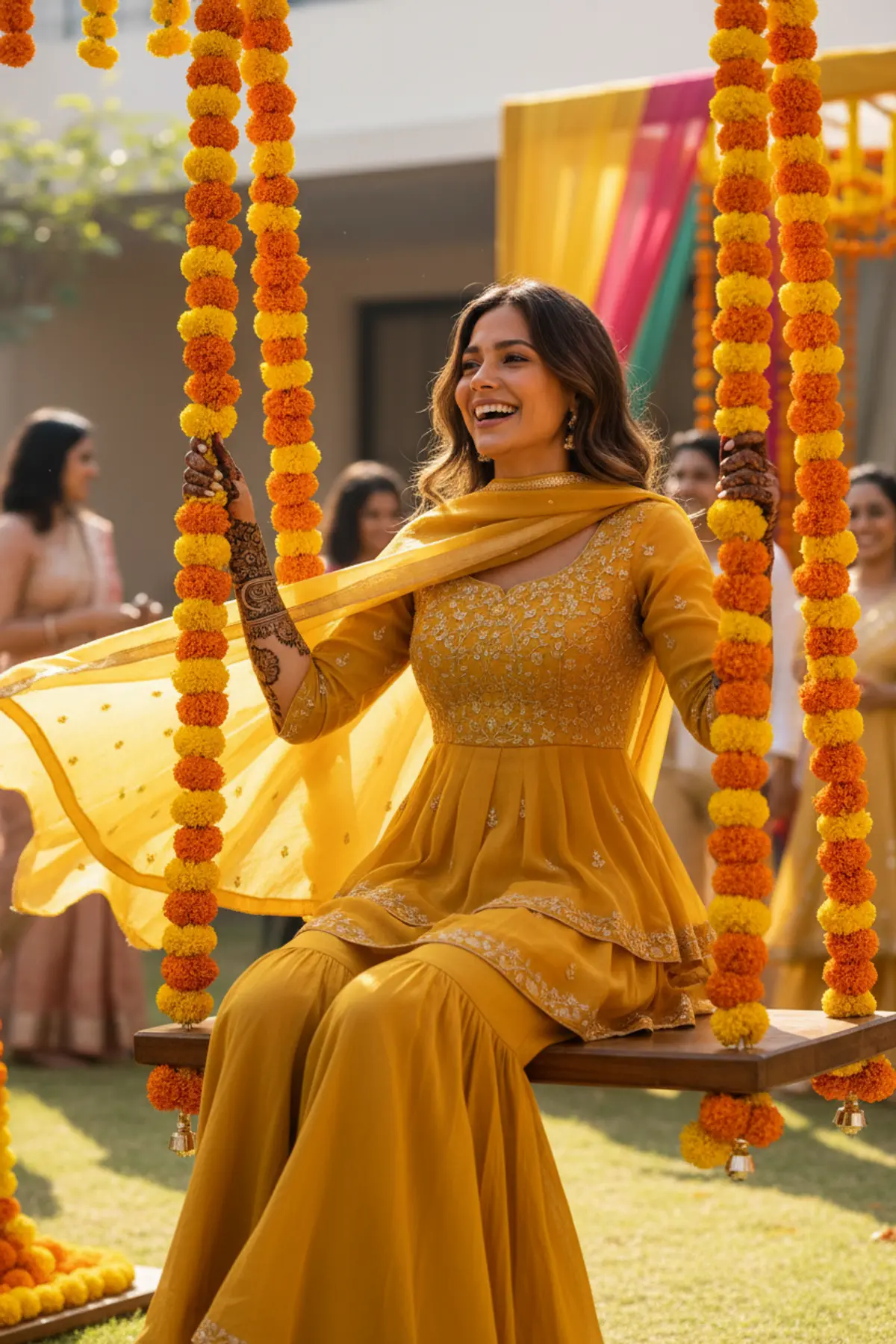
Both can use it. The examples on this page were made with Google: Nano Banana (Gemini 2.5 Flash Image), the model behind Gemini's images, so Gemini comes closest to them; ChatGPT gives its own take on the same prompt.
What happens to my photo?
When you use the prompt in Gemini or ChatGPT, your photo goes to that app, not to pixkoz, and that app's own privacy terms apply.