Open this in the pixkoz appGet the pixkoz app on Google PlayUse the pixkoz app
OpenGetOpen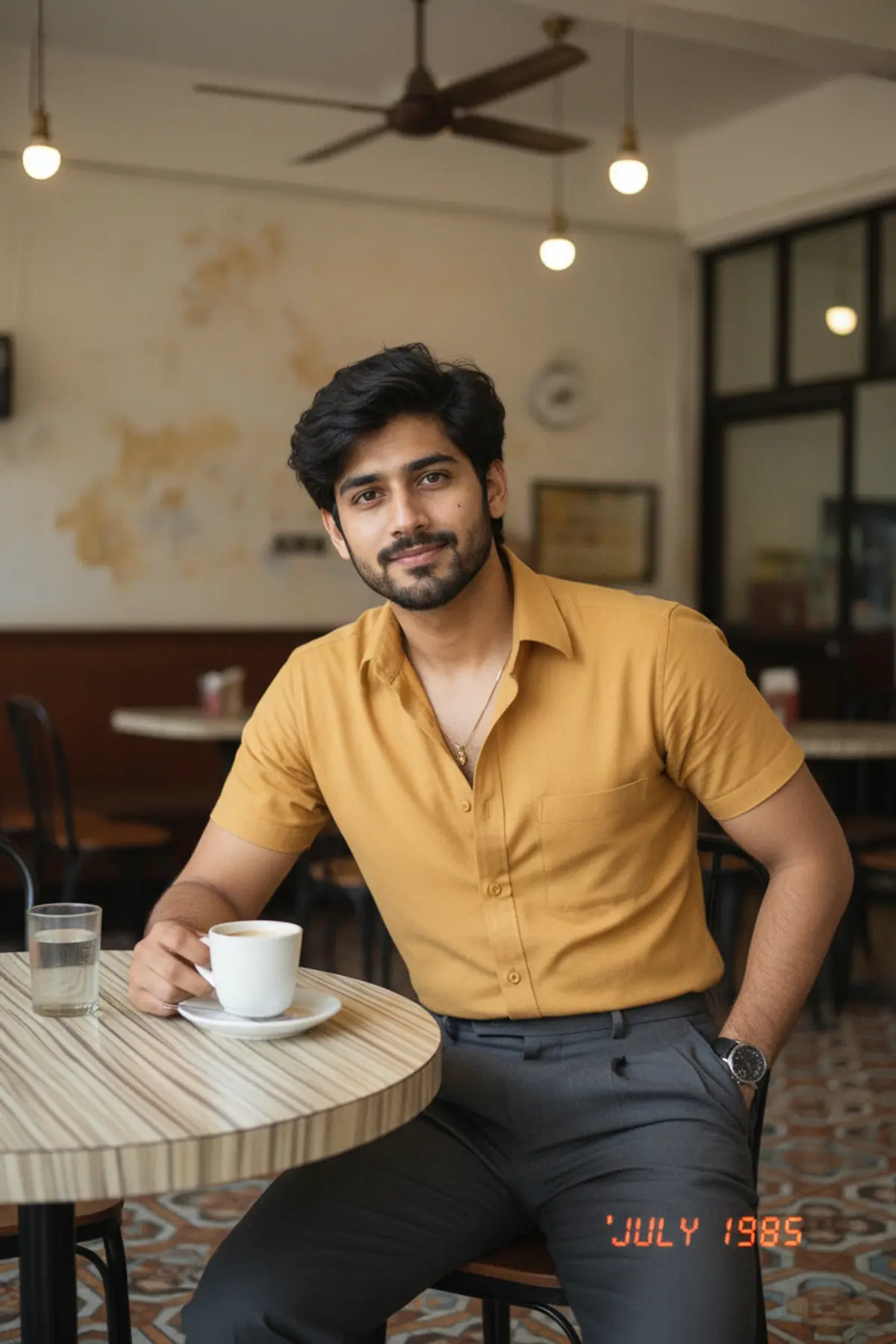

1986 Old Coffee House Retro Photo
You, seated at a little table in a 1980s Indian coffee house, shot with an old compact-camera flash and real film grain.
Copy this, then paste it with your photo in Gemini or ChatGPT
ChatGPT opens with your prompt filled in. In Gemini, paste it. Add your photo there and send.ChatGPT opens with your prompt filled in. In Gemini, long-press the box, tap Paste. Add your photo.
Prompt
Needs 1 photo
Recreate the person in the uploaded photo as if they were photographed in a small, charming Indian coffee house in the mid-1980s. Face and body: keep the person's face, features, skin tone, hair colour, hairline and body proportions exactly as in the photo. Do not beautify, reshape the face, lighten the skin or change their age. Natural skin with real texture. Framing: waist-up, seated at a small old-fashioned table, relaxed, looking toward the camera. Setting: Formica table tops, wooden chairs, white ceramic cups and saucers, glass tumblers of water, slow ceiling fans, patterned floor tiles, faded painted walls and bare tungsten bulbs, all softly out of focus behind them. Outfit and hair: dress them in a mid-80s outfit that suits them, such as a structured shirt, a tucked-in blouse, a sweater, high-waisted trousers, a salwar suit or a saree, with small touches like a vintage watch, small earrings, a thin chain or a leather shoulder bag. Hair styled the way it was in those years: soft volume, feathered or neatly parted. Light and camera: direct compact-camera flash mixed with warm indoor light, visible flash falloff, slightly off white balance, gentle red-yellow colour shift, real 35mm grain and faded old-print texture. A small red-orange date stamp in the lower corner. Nothing modern: no laptops, phones, modern coffee machines, QR codes, LED menus or current fashion. No watermark.
Part of: Retro Bollywood AI photo prompts
How to use this prompt
In Gemini
- Tap Copy prompt, or Open in Gemini, which copies it for you.
- In Gemini, add your photo with the + button.
- Paste the prompt into the message box and send.
In ChatGPT
- Tap Open in ChatGPT: it opens with the prompt filled in (it is copied too, in case you need to paste it).
- Attach your photo with the + button.
- Send, and wait for your picture.
Gemini se kaise banaye: photo upload karo, prompt paste karo, send dabao.
Questions people ask
Is this prompt free?
Yes. Copy it and use it in Gemini, ChatGPT or another AI photo app as often as you like. You don't need a pixkoz account to copy it.
Will it work on my photo?
It works best with a clear, front-facing photo in good light, with the face fully visible. AI results vary from one try to the next: if a detail is off, try again.
Gemini or ChatGPT: which is better for this?
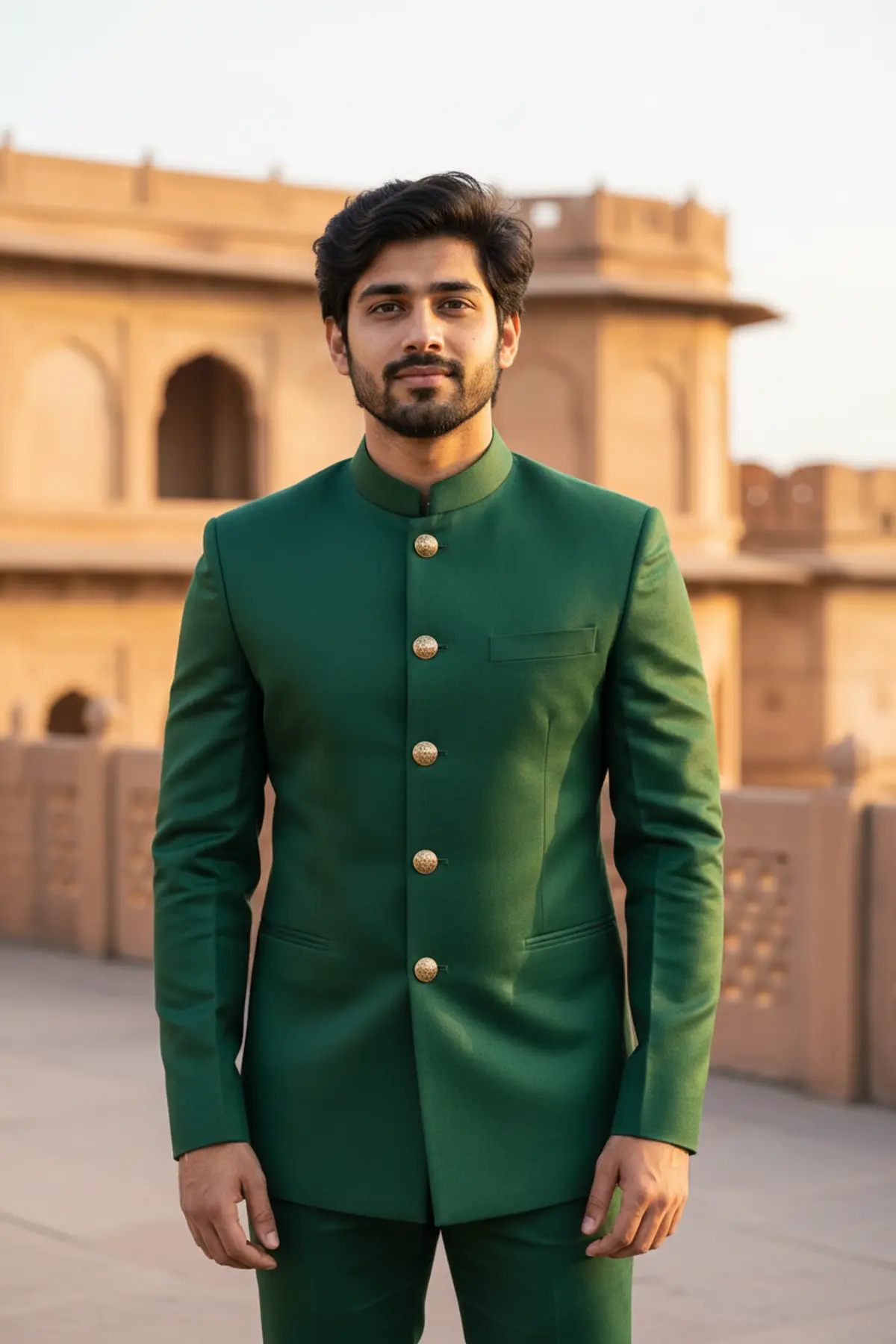
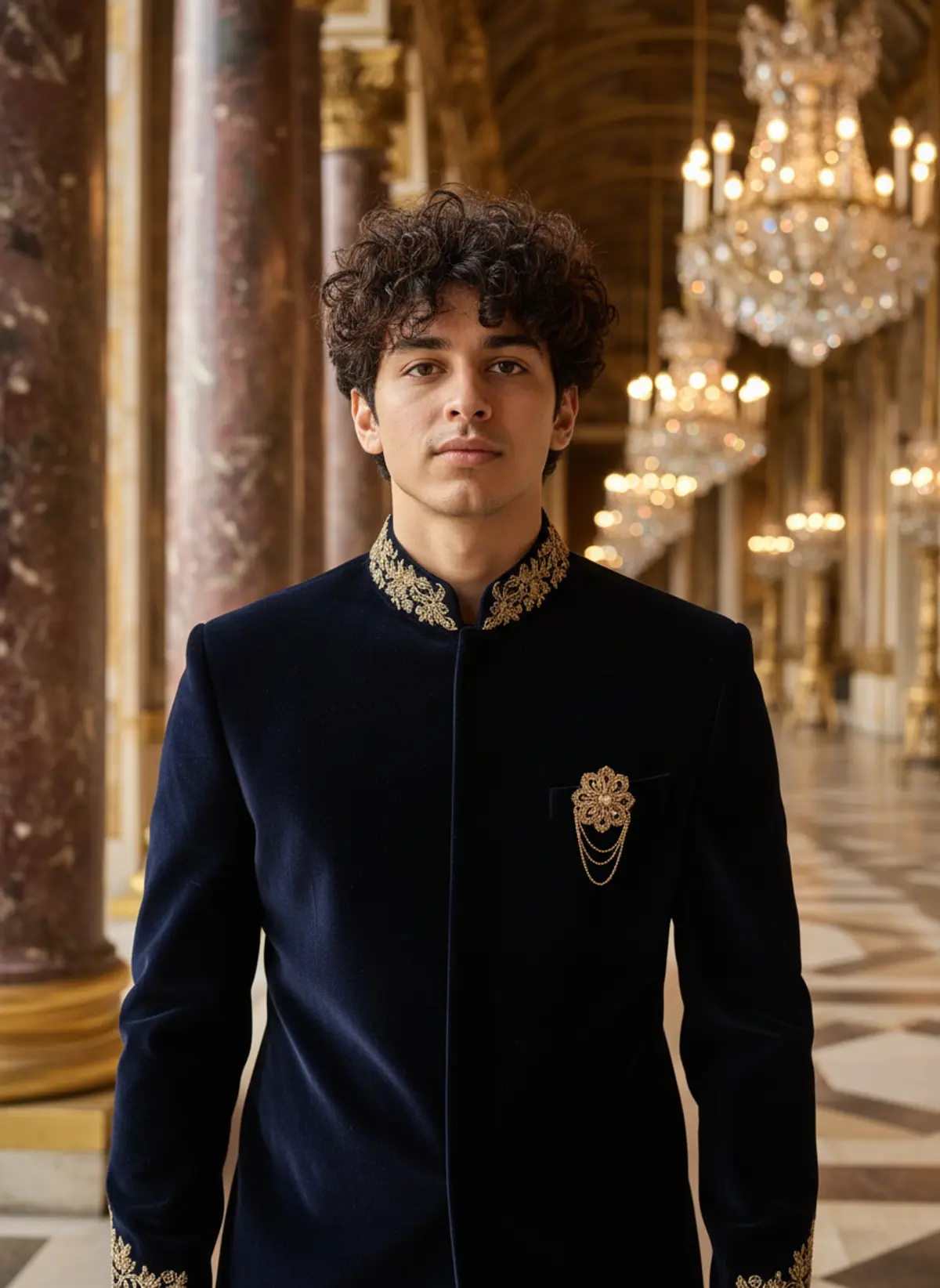
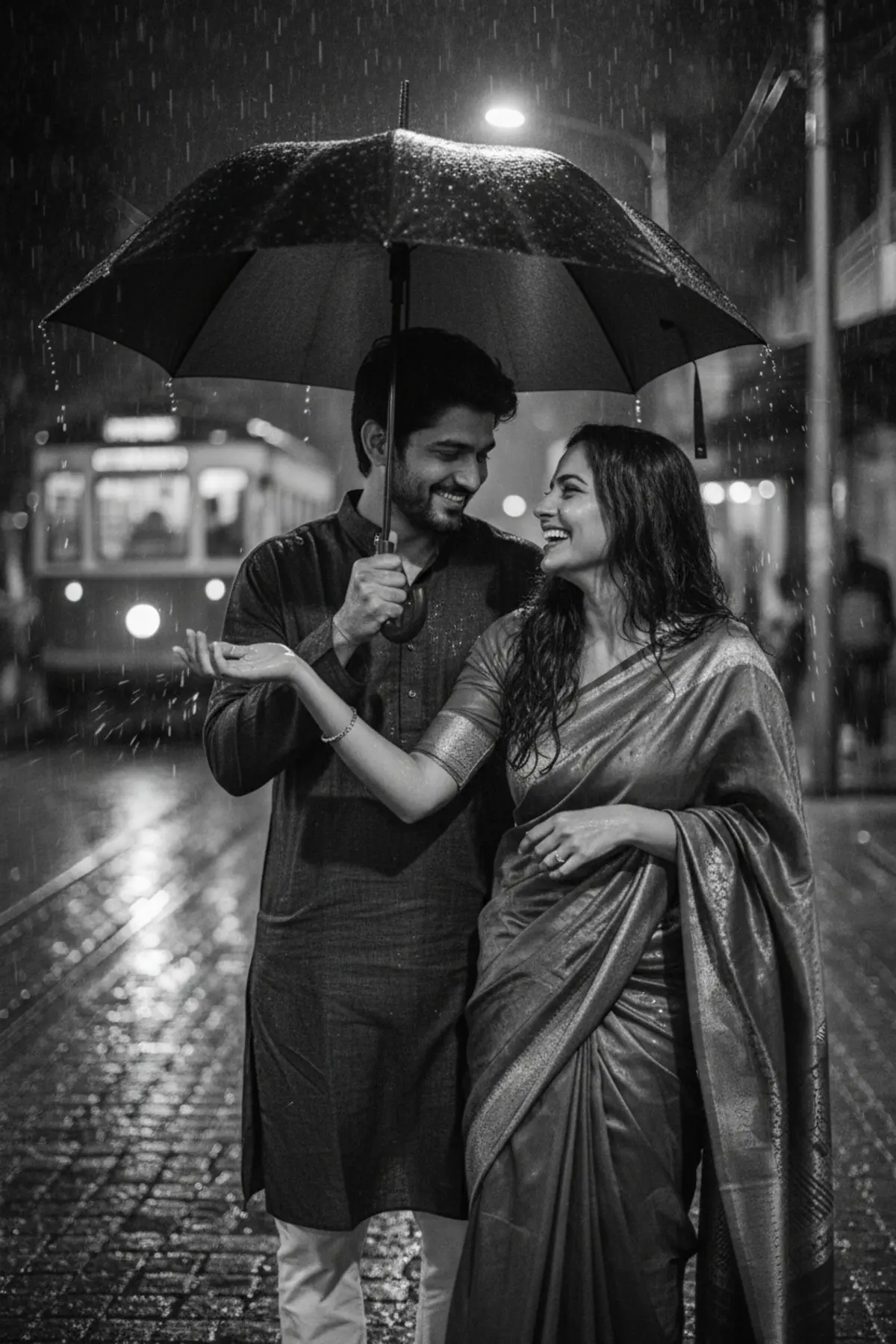
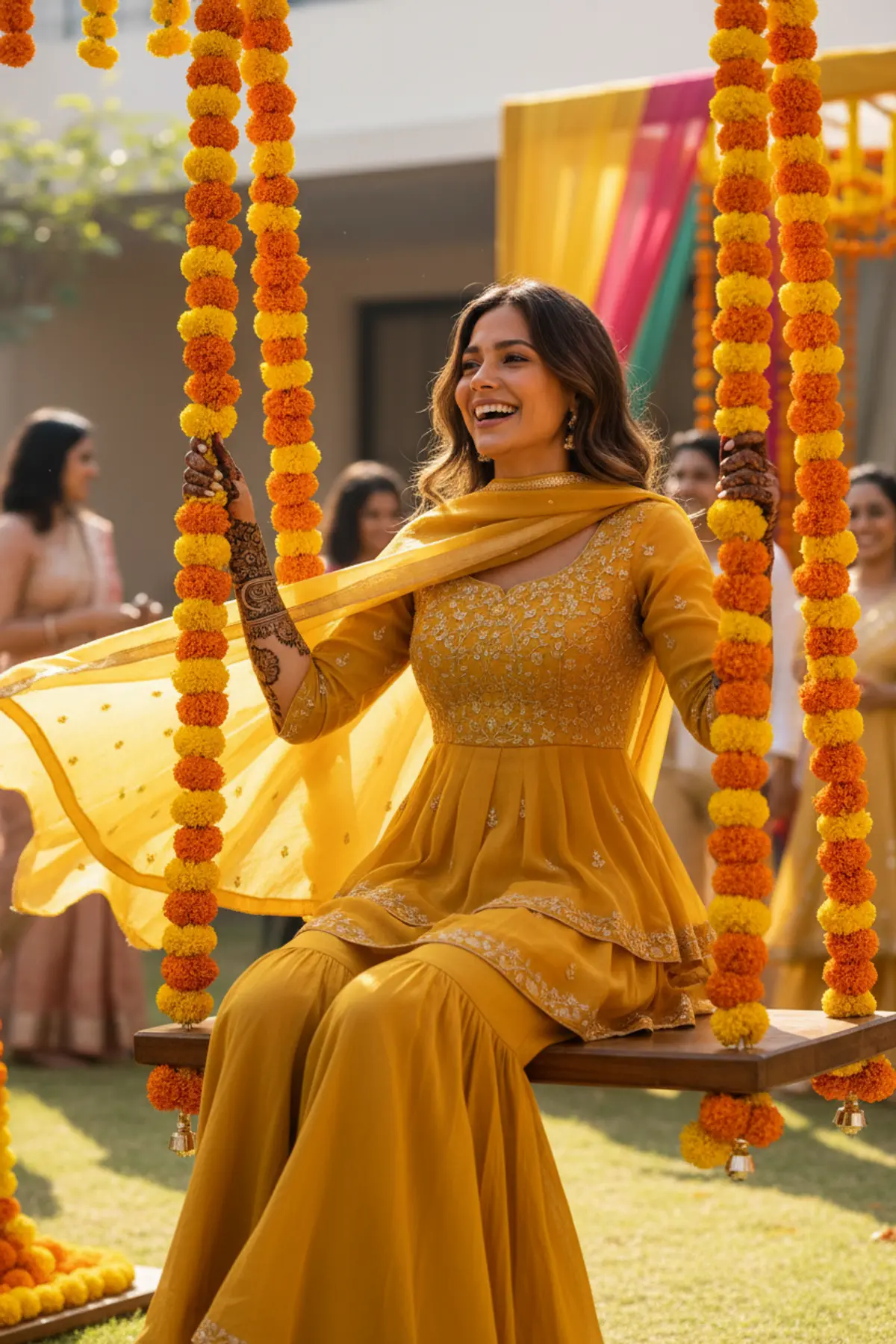
Both can use it. The examples on this page were made with Google: Nano Banana (Gemini 2.5 Flash Image), the model behind Gemini's images, so Gemini comes closest to them; ChatGPT gives its own take on the same prompt.
What happens to my photo?
When you use the prompt in Gemini or ChatGPT, your photo goes to that app, not to pixkoz, and that app's own privacy terms apply.