Open this in the pixkoz appGet the pixkoz app on Google PlayUse the pixkoz app
OpenGetOpen

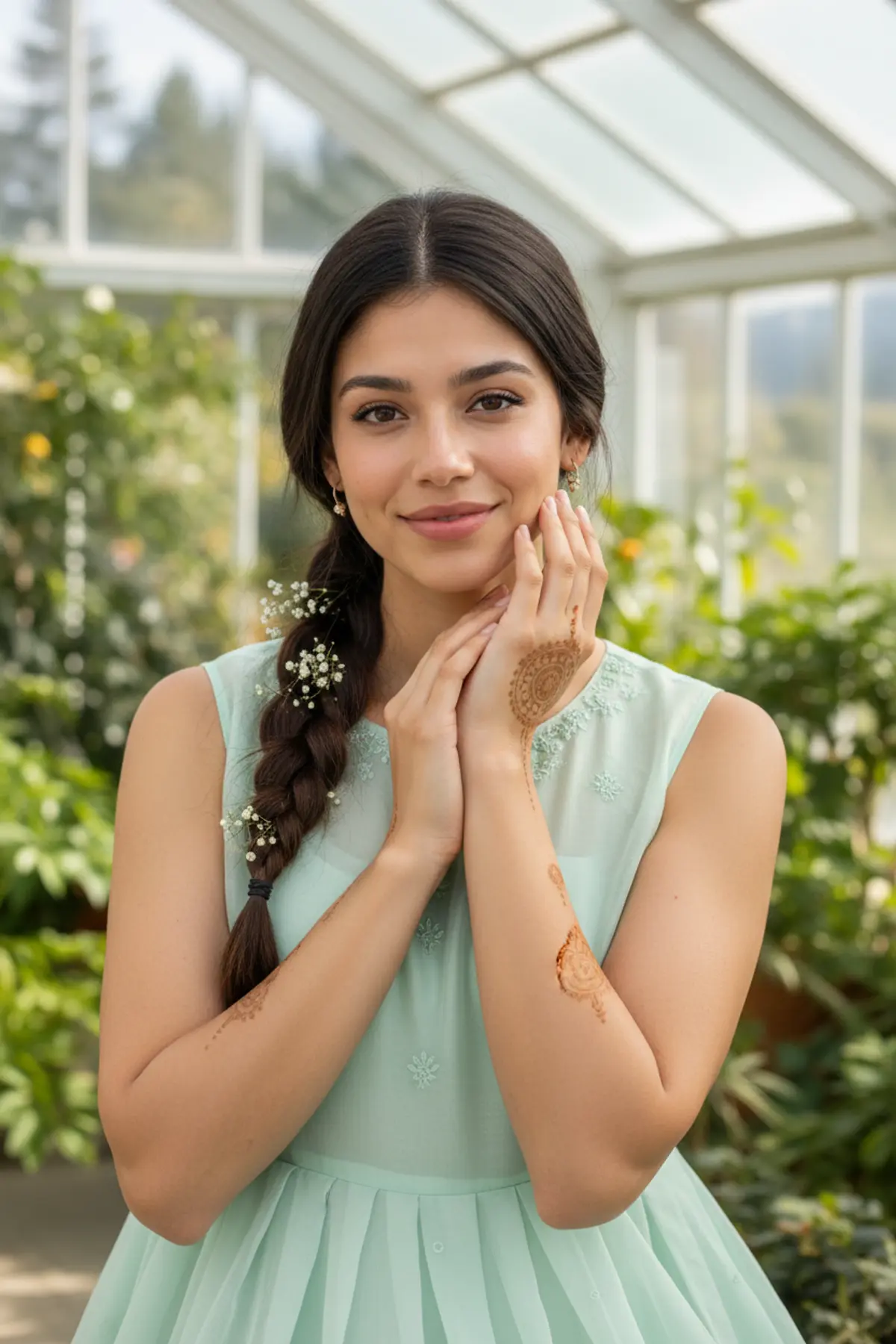
Rooftop Blue Hour Anarkali Portrait
A dreamy phone-wallpaper style portrait on a city rooftop at blue hour, in a mint Anarkali with a bouquet and a direct-flash 2000s camera look.
Copy this, then paste it with your photo in Gemini or ChatGPT
ChatGPT opens with your prompt filled in. In Gemini, paste it. Add your photo there and send.ChatGPT opens with your prompt filled in. In Gemini, long-press the box, tap Paste. Add your photo.
Prompt
Needs 1 photo
Turn the woman in the uploaded photo into a vertical 9:16 rooftop portrait at blue hour. Outfit: a flowing mint-green Anarkali with light silver embroidery, a sheer mint dupatta drifting in the breeze, big silver statement jhumkas. Pose: standing on an old city rooftop, holding a loose bouquet of fresh flowers close to her chest, turning slightly mid-step with a soft candid smile; a little motion blur in the dupatta and the edges of the frame. Setting: a lavender and deep blue evening sky, rows of old North Indian city rooftops, water tanks and faint lit windows in the background. Light: direct on-camera flash on her, bright and slightly harsh, while the background stays dusky and cool. Camera: early-2000s compact digital camera look, slight noise, punchy flash highlights, vertical full-length to knee-up framing. Mood: dreamy, nostalgic and spontaneous. Face rules: keep her face, facial features, skin tone and hair colour exactly as in the photo. Do not beautify, slim or change her age. Natural skin texture, no airbrushing. No text, no date stamp, no watermark.
How to use this prompt
In Gemini
- Tap Copy prompt, or Open in Gemini, which copies it for you.
- In Gemini, add your photo with the + button.
- Paste the prompt into the message box and send.
In ChatGPT
- Tap Open in ChatGPT: it opens with the prompt filled in (it is copied too, in case you need to paste it).
- Attach your photo with the + button.
- Send, and wait for your picture.
Gemini se kaise banaye: photo upload karo, prompt paste karo, send dabao.
Questions people ask
Is this prompt free?
Yes. Copy it and use it in Gemini, ChatGPT or another AI photo app as often as you like. You don't need a pixkoz account to copy it.
Will it work on my photo?
It works best with a clear, front-facing photo in good light, with the face fully visible. AI results vary from one try to the next: if a detail is off, try again.
Gemini or ChatGPT: which is better for this?
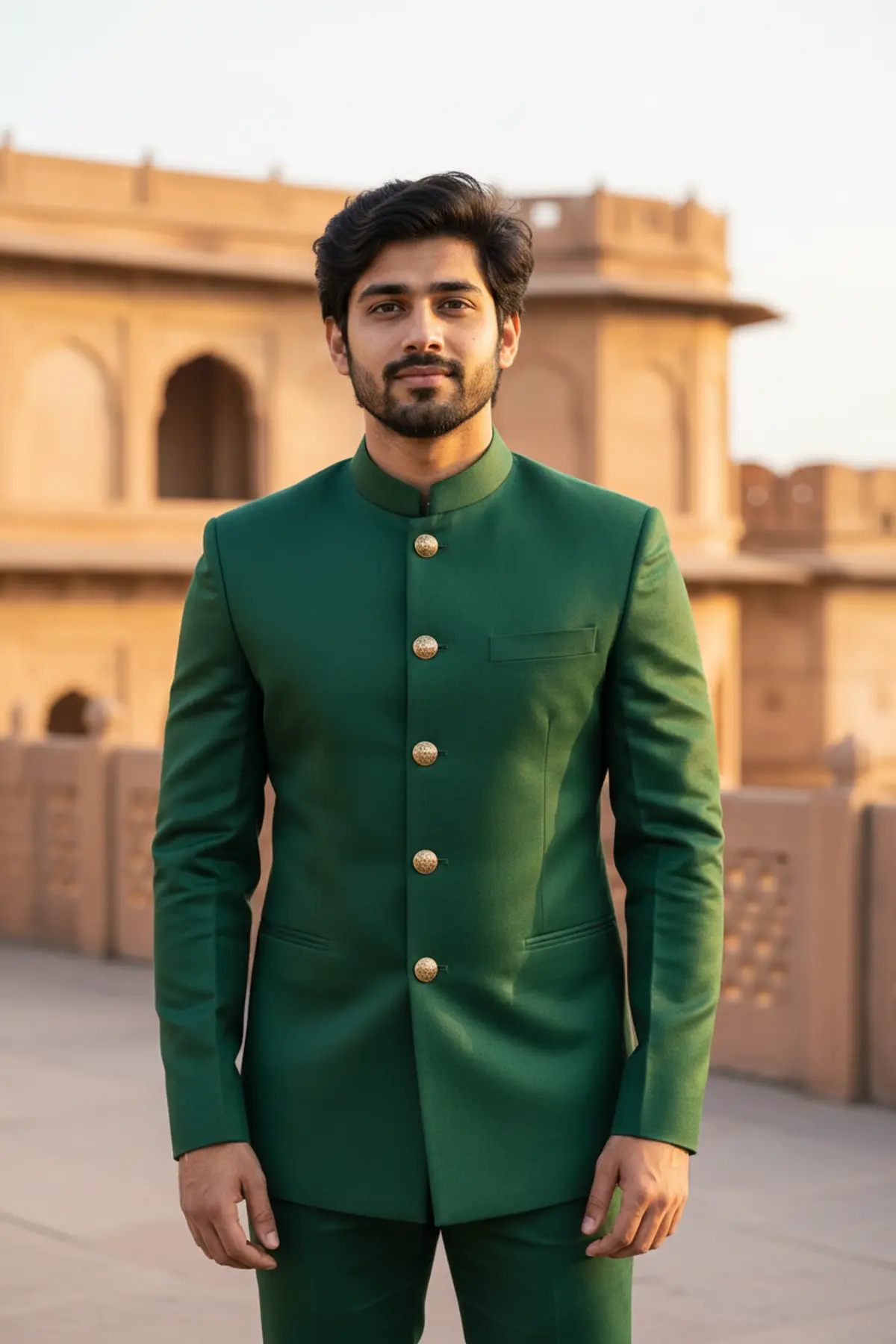
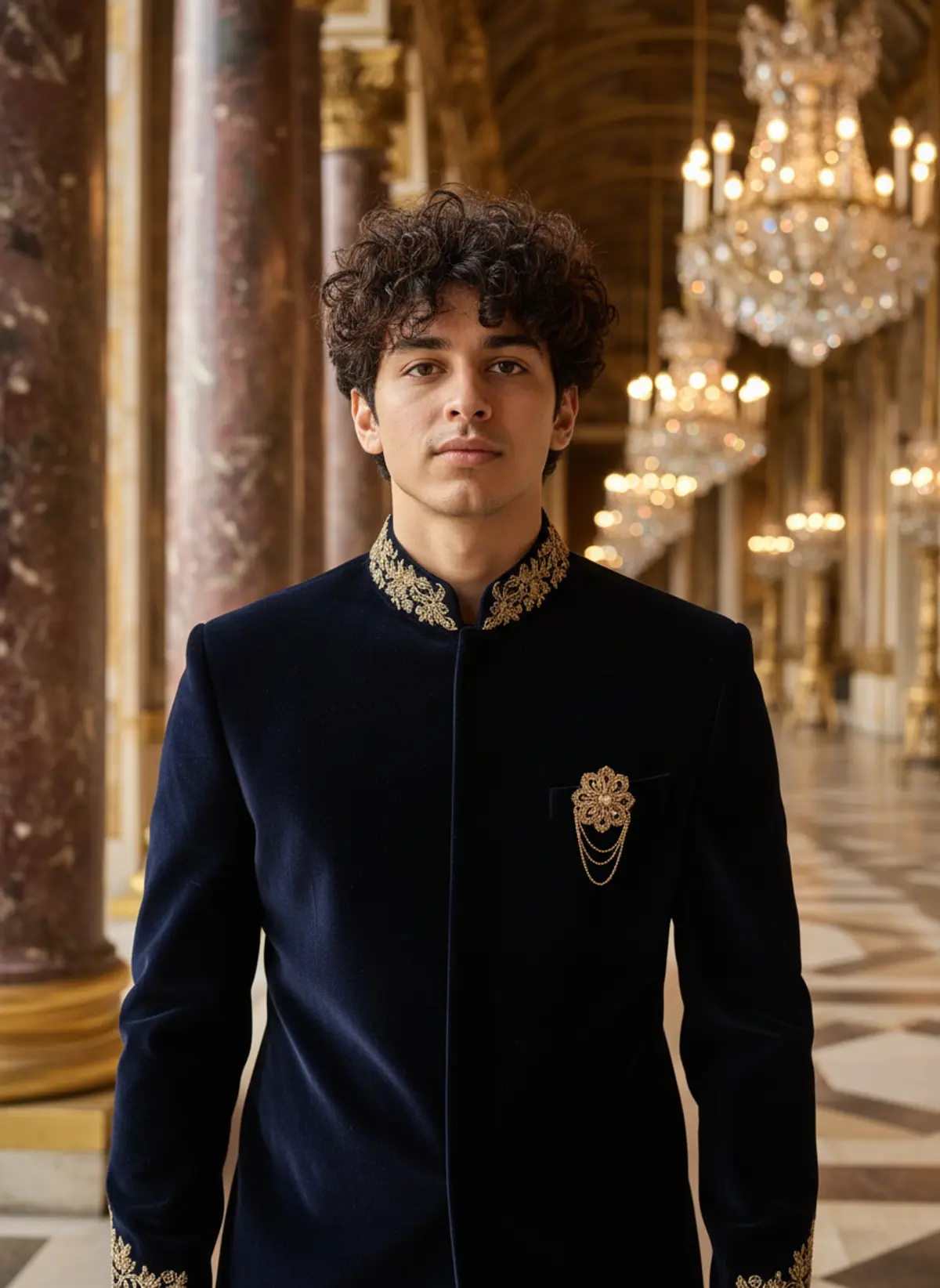
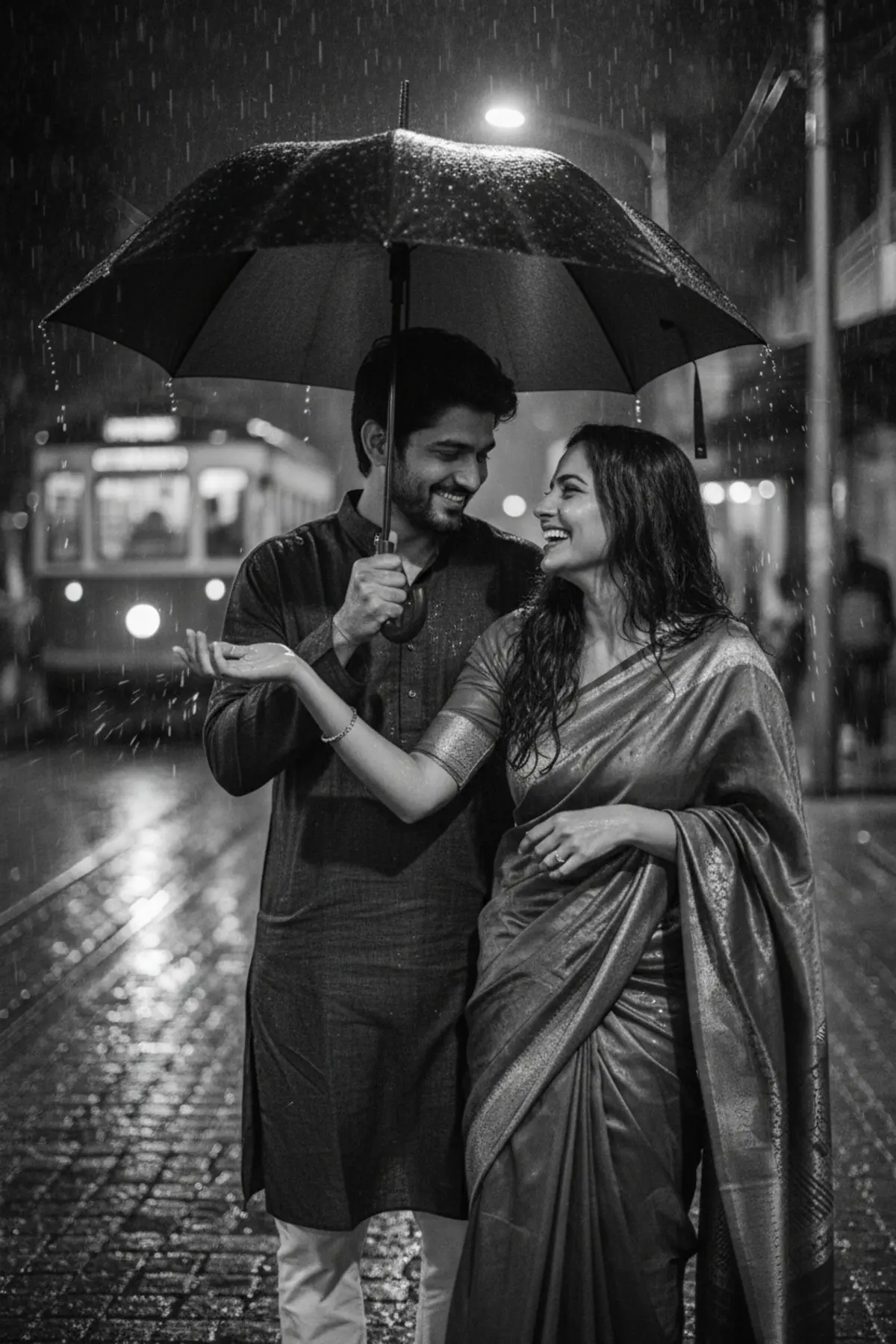
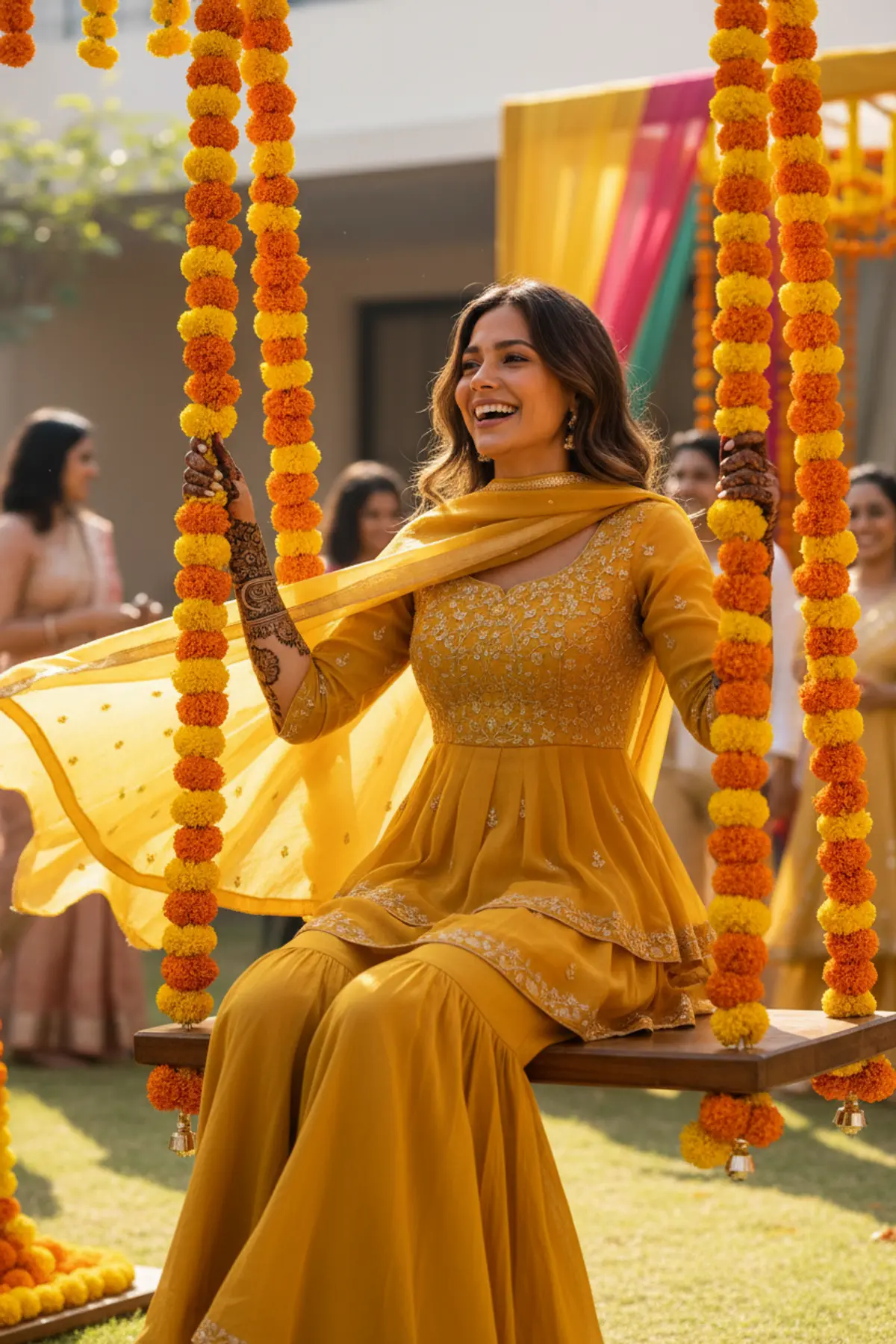
Both can use it. The examples on this page were made with Google: Nano Banana (Gemini 2.5 Flash Image), the model behind Gemini's images, so Gemini comes closest to them; ChatGPT gives its own take on the same prompt.
What happens to my photo?
When you use the prompt in Gemini or ChatGPT, your photo goes to that app, not to pixkoz, and that app's own privacy terms apply.